Selfie search · 2 min
Find your photos with a selfie
On the event gallery, the My photos tab finds you among all the photos. A selfie and your email address are all you need.
Updated October 7, 2026
Open My photos
On the event gallery, tap the My photos tab. It only appears if the organiser has turned on selfie search.
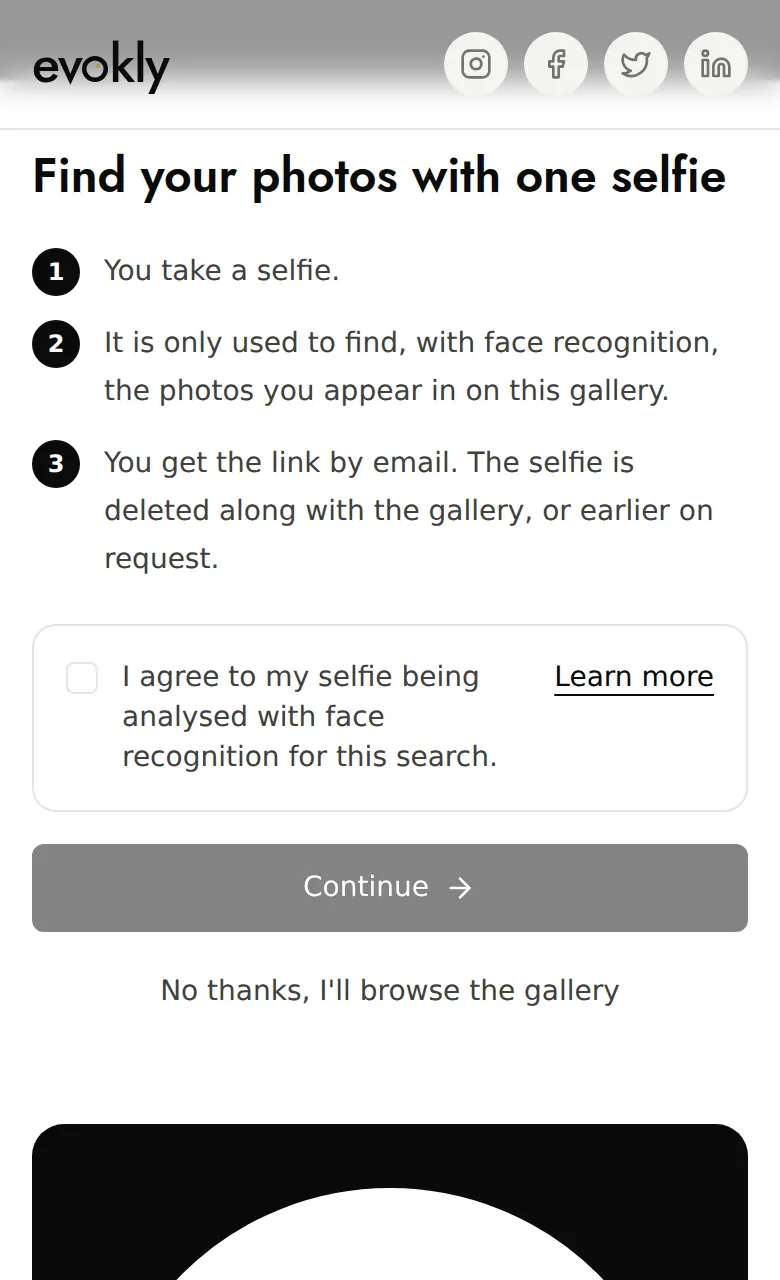
Give your consent
The screen explains what will happen. Tick I agree to my selfie being analysed with face recognition for this search, then tap Continue. No thanks, I'll browse the gallery takes you back to the gallery without saving anything.
Take your selfie
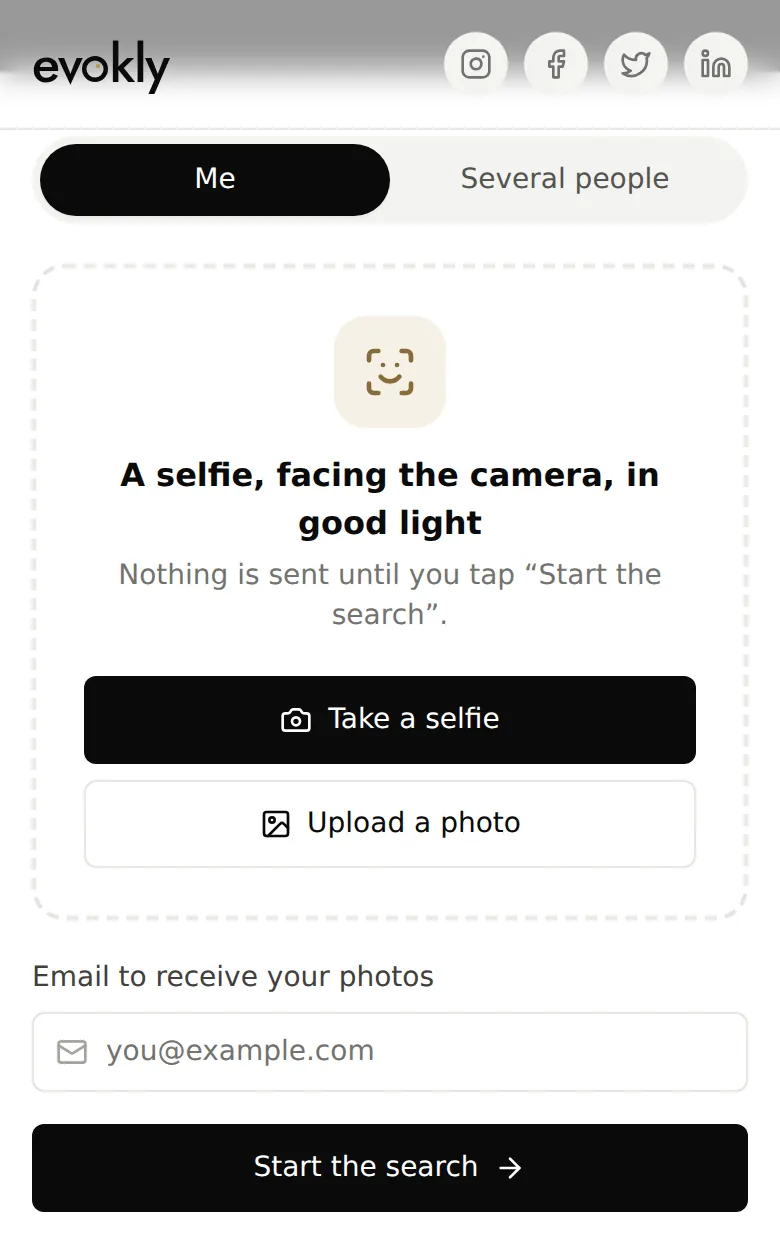
Tap Take a selfie on a phone, or Upload a photo. Face the camera, in good light; if there are several faces in the photo, tap yours.
Start the search
Enter the email to receive your photos, then tap Start the search. Nothing is sent before that.
What happens next?
- As soon as photos of you are found, you get the link by email. The search runs on its own in the background: it usually takes a few hours.
- The link opens your personal gallery, with only the photos you appear in.
- New photos of you then arrive in a daily email, which contains a link to stop receiving it.
For several people
Choose Several people instead of Me: add a selfie of each person, or a group photo where you tap the faces (8 at most). One search, one email.