Conferences & trade shows
Engage your attendees with a shared photo gallery
The audience's photos, moderated and shown live, then measured.
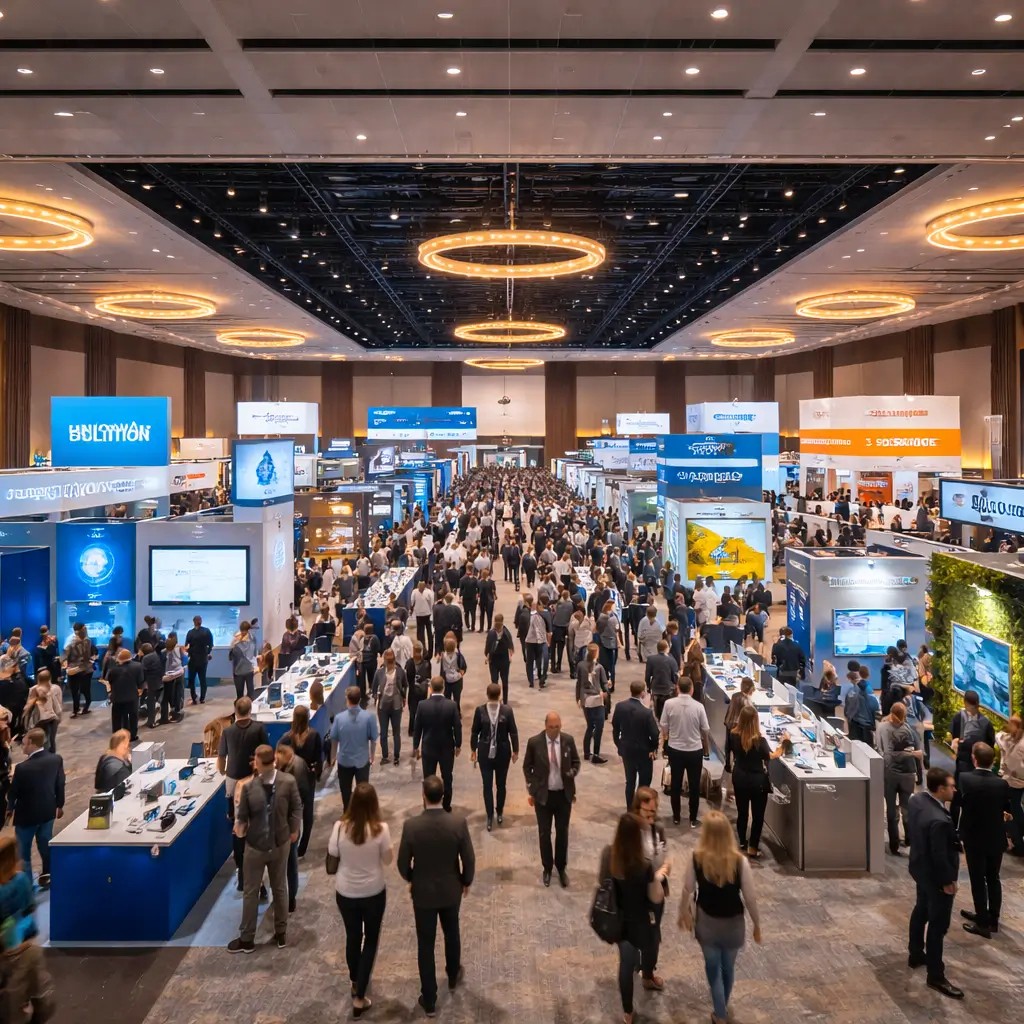
How do you collect attendees' photos at a conference?
A QR code on the screens and signage opens the gallery: attendees add their photos, and you moderate and show the best ones.
To weigh up the collection options, read our guide on WeTransfer, Drive or an event gallery and our other offsite and corporate articles.
Made for every format
Conferences
Keynotes, panels, workshops: your attendees capture the highlights and share them during the event.
Trade shows
Booth, networking, demos: every photo of your trade show presence, in one place.
Multi-day congresses
Hundreds of attendees, one gallery organised by day and by session.
Tools for large events
Large-format QR code
On the venue's screens and signage.
Live moderation
With moderation on, nothing is published without your approval.
Engagement statistics
Attendees, photos, peak hour, most-liked photos.
Photo Wall
The best photos on the main screen.
The right plan for your events
Event Pro
€199per event
- 1 event under your brand
- Everything unlimited
- Selfie search
- Gallery online for 6 months
- For regular events
Pro
€149/ month
- 10 events per month
- Your brand
- Multi-client dashboard
Enterprise
On quote
- Unlimited events
- SSO, SLA
- Account manager
Frequently asked questions
How many attendees?
Unlimited from Event upwards. The QR code is all it takes: no account or app for attendees.
Can we moderate?
Yes: with moderation on, every photo waits for your approval before it appears in the gallery.
Over several days?
Yes: create a moment per day or per session (Day 1, Workshop A…) and sort the photos into them.
How do we get the photos after the event?
Download the whole gallery in HD from your space, and look at the participation statistics.
Explore our other solutions


Your next conference deserves better
One shared gallery for all your attendees.