Account & settings · 2 min
Invite a co-organiser
Share the management of your event. A moderator approves photos; a co-organiser can do everything except delete the event.
Updated October 7, 2026
Open Co-organizers
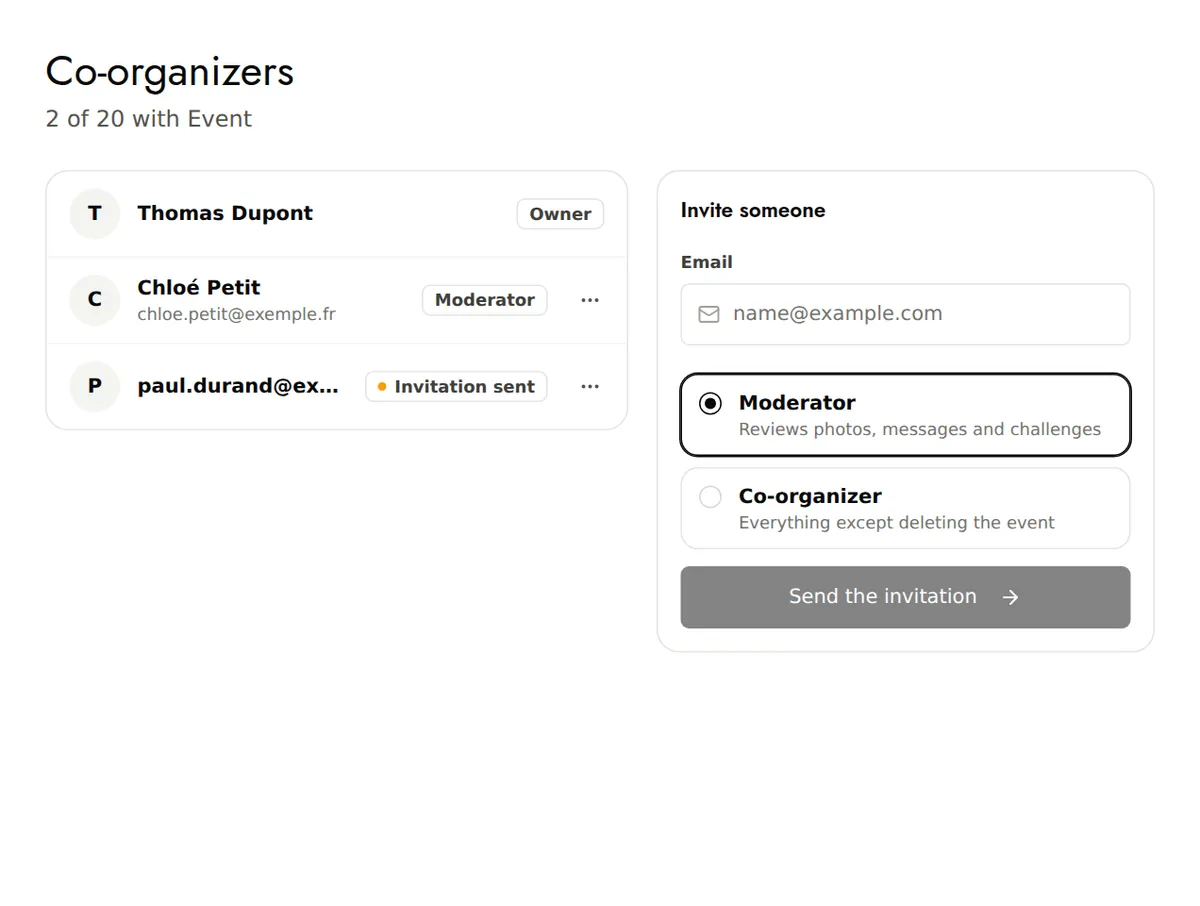
In your event's menu, open Co-organizers.
Invite
Under Invite someone, type the email address, choose the role, then Send the invitation.
The person accepts
They receive an email with a personal, single-use link that opens the event for them. If they don't have an account yet, they can set a password to come back later.
Roles
- Moderator: approves photos, messages and challenges.
- Co-organizer: everything except deleting the event, including inviting other people. Only the event owner can make someone a co-organiser.
Deleting the event and extending how long it's kept remain reserved for the owner.
Good to know
- Free plan: 1 co-organiser. Paid plans: up to 20.
- Each person's menu lets you Resend the invitation, change their role or Remove access.