Account & settings · 2 min
Sign in to your account
Google, a link sent by email or a password: the three ways to sign in, and what to do if you've forgotten your password.
Updated October 7, 2026
With Google
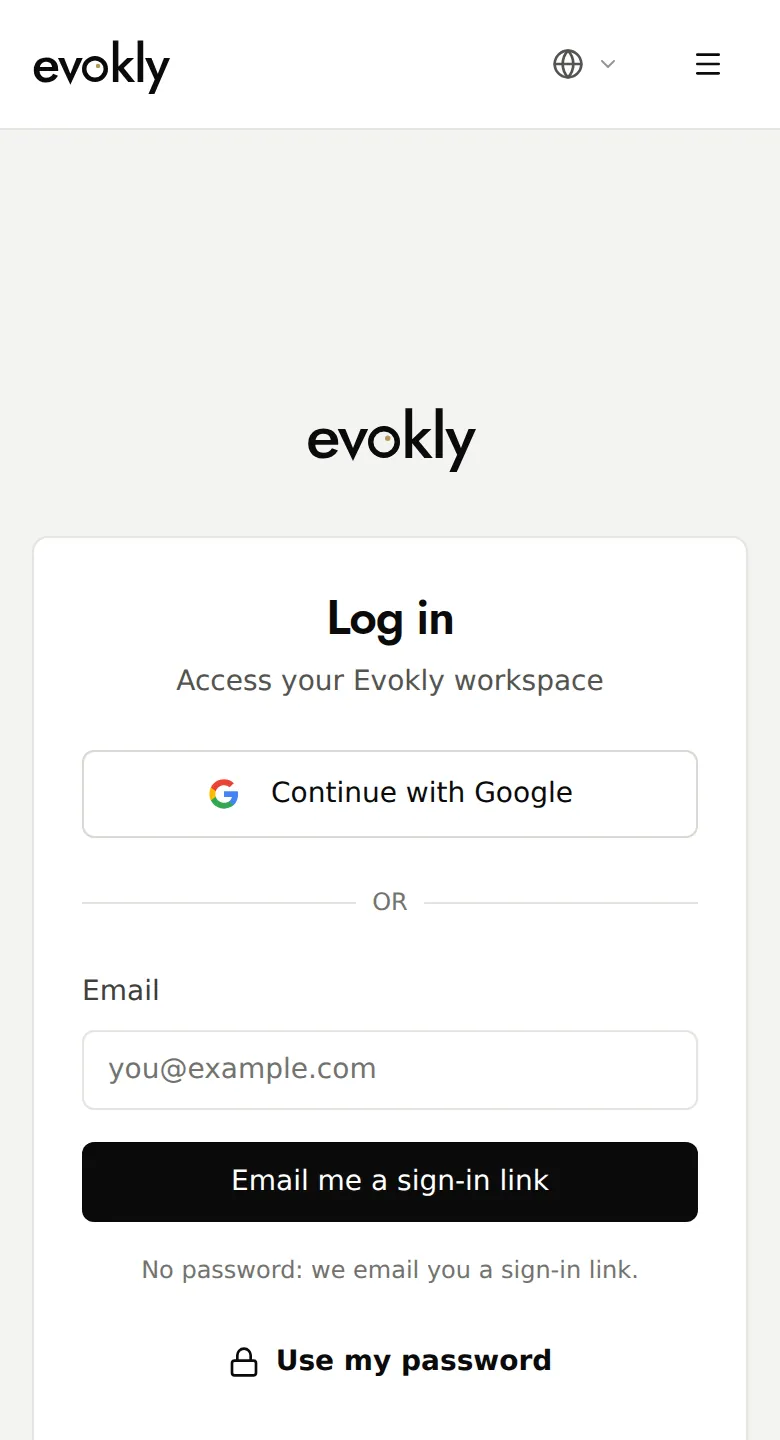
On the Log in page, click Continue with Google and choose your Google account.
With a link by email
Type your email address, then click Email me a sign-in link. Open the email and click the link: it's valid for one hour and works only once. Not received it? Check your junk mail, then send it again after 30 seconds.
With your password
Click Use my password. Tick Keep me signed in on a personal device; otherwise, you'll be signed out after one hour.
Forgotten password
Click Forgot password?, type your address, then Send the link. The new password must have at least 8 characters, including an uppercase letter, a lowercase letter and a number.
Good to know
- No account yet? The email link creates one at the same time.
- Signed up with Google or a link and want a password: My account, Sign-in section, Set or change.