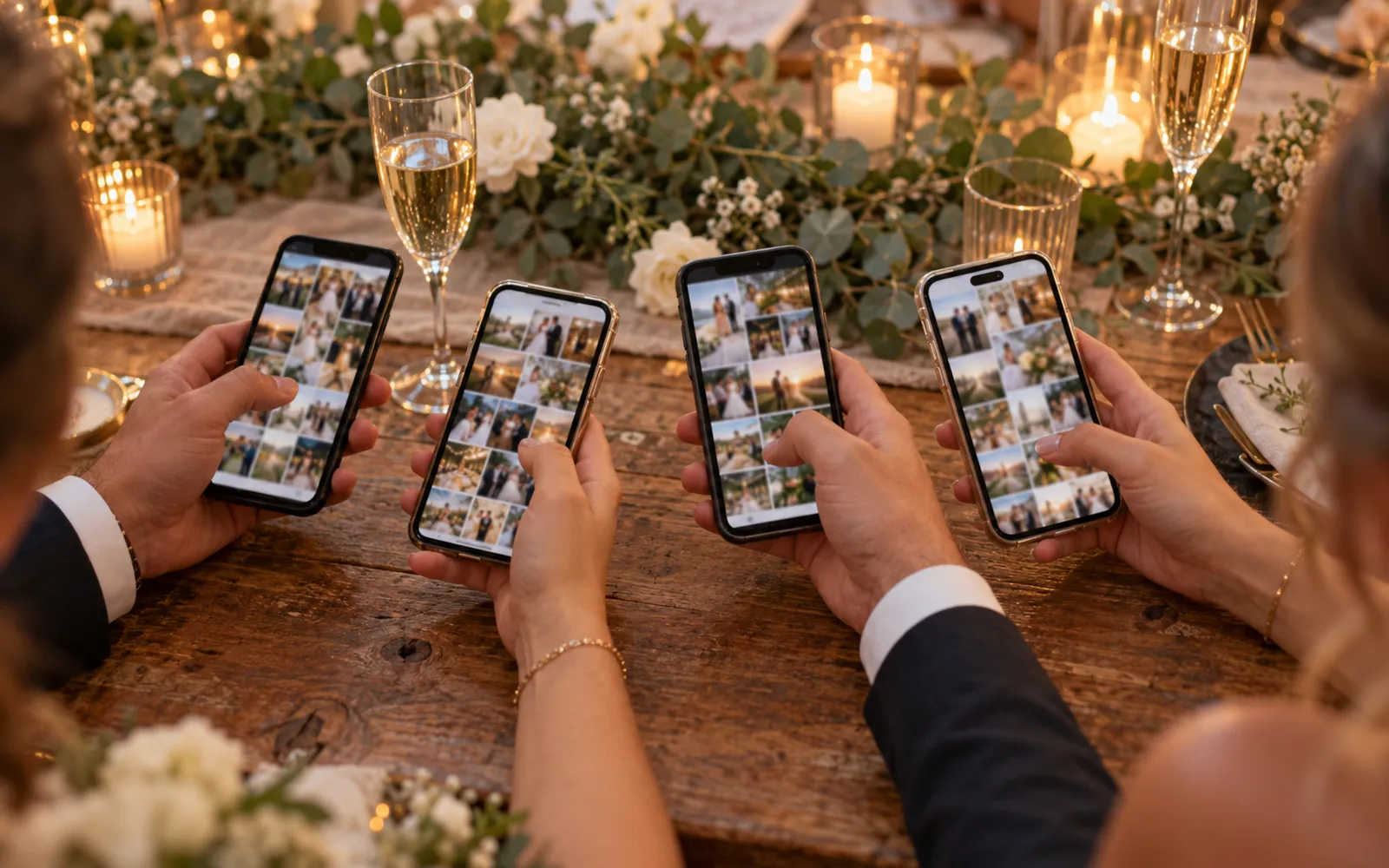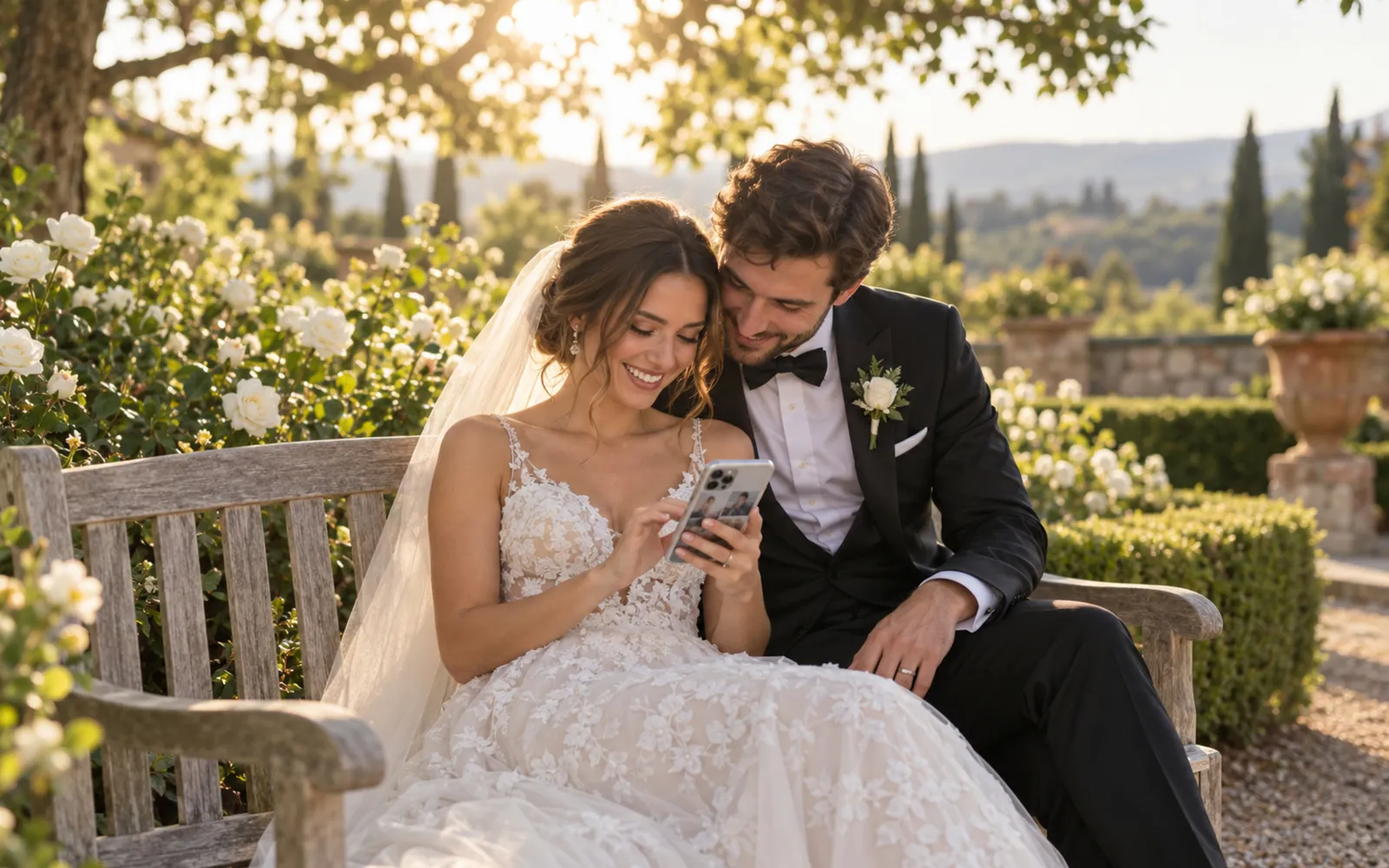
You have just got married. Your guests took hundreds of photos: the entrance under the petals, the tears at the first look, the cake knocked over by a small cousin. But those photos are scattered across 80 different phones. How do you gather them without it turning into a logistical nightmare?
The obvious answer, WhatsApp or Google Drive, actually hides several concrete problems. Let's look at what they are, and at what works better.
Why WhatsApp never works as well as you imagine
The idea sounds perfect: create a "Wedding Photos" WhatsApp group and ask guests to send their best shots. In practice, three things sabotage it.
First, compression. By default, WhatsApp reduces the resolution of photos sent in groups. A 12-megapixel photo comes out at 2 to 3 megapixels on the other side. The HD option, added in 2023, limits the loss without handing over the original file: only sending as a document keeps it, and hardly any guest does. Too pixelated for a printed album, and sometimes even for a 6x8 print.
Second, the group limit. A cap of 1,024 members, but more importantly a 2 GB limit on iOS and a gallery that clogs up fast for anyone getting notifications at 2 a.m. Past 50 active participants, most people mute the group and stop looking.
Third, scattering. Some guests post in the group, others send a private message, others nothing at all because they did not know they were supposed to share. Gathering everything afterwards then takes hours of manual sorting.
For 80 guests and up, it is a tool built for conversation, not for photo collection.
Why Google Drive fails too
Google Drive solves the compression problem: original files are kept. But it creates other friction.
Create a shared folder and send it to 120 guests with Gmail addresses, other providers, and no Google account at all, and at least 30% of them will hit a sign-in or account-creation prompt. Many give up right there.
Mobile access is not smooth either. On iOS, uploading from the Google Drive app means granting photo library permissions, navigating folders and selecting photos one by one. Three steps too many for someone slightly tired after a long evening.
Finally, you end up with a folder of 400 files in no order, with inconsistent names and duplicates. The sorting is entirely on you.
The 3 modern alternatives
A dedicated site with a QR code
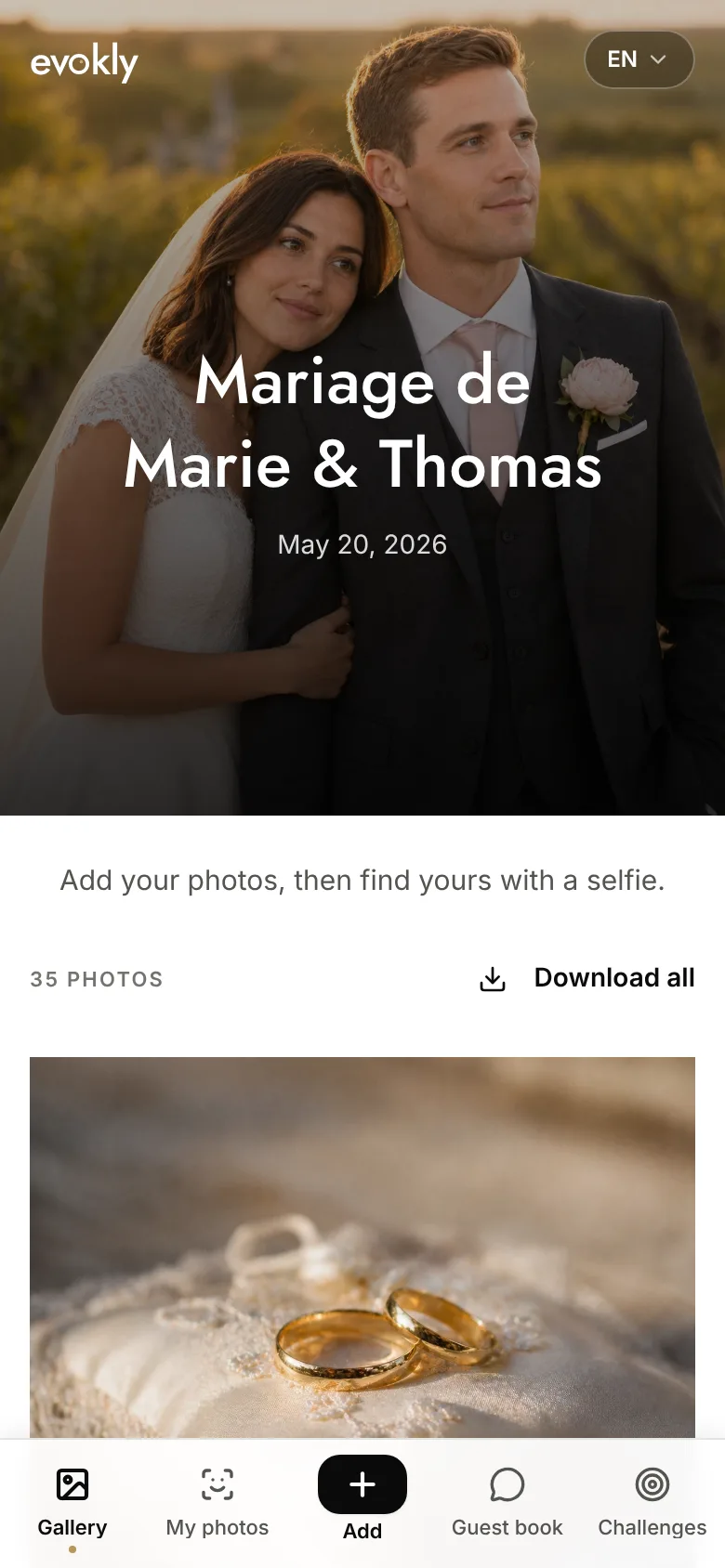
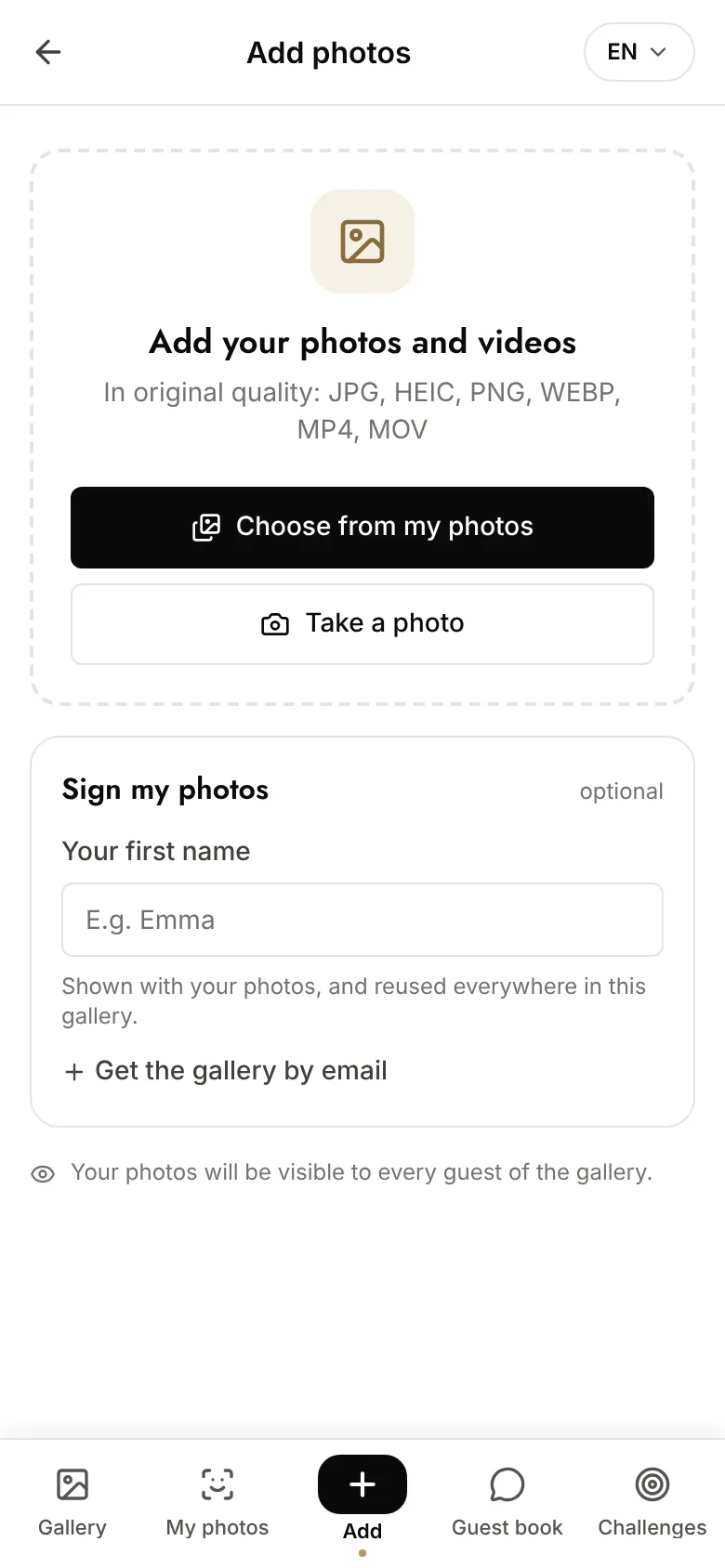
This is the most effective approach for weddings of 80 guests and up. A single link (reachable through a QR code) lets each guest upload their photos from their browser, without creating an account or installing anything.
Photos are gathered at original quality. You view them from an admin area, download them in bulk, and can share them with every guest through the same link.
Evokly for weddings works on this principle: a QR code to place on tables or in digital invitations, a shared gallery everyone can reach, and the option for each guest to find the photos they appear in through facial recognition. To understand how to set this up, the complete event QR code guide covers optimal placement and display best practice. If you are torn between this approach and a classic photo booth for the evening, our comparison of wedding photo booths: QR code or classic booth puts the two models side by side.
The main advantage comes down to one sentence: no friction at the door. The guest scans, taps "Add", picks their photos. Fifteen seconds.
A shared photo app
Apps like Photo Circle, Snapfish or Cluster create a shared album guests upload to from their phone. Quality is good and the interface is clean.
The catch: you have to install the app. At a wedding of 100 guests across varied age groups, some will not get past the download step, especially the over-60s, but also people travelling with little space left on their phone. Expect a participation rate of 40 to 60% at best.
A good option for a close circle (50 people maximum, family and tech-savvy friends) where you can ask everyone to install the app in advance.
A temporary shared cloud drop
WeTransfer Pro and similar services let you create an upload link with no account required. Guests drop their photos, you collect them directly.
Simple for the guest, but the experience is not engaging: no visible gallery, no sense of contributing to something shared. Links usually expire after 7 to 30 days. And you get raw files with no organisation at all.
It works well for collecting photos from a supplier or an amateur photographer among the guests. Less well as a mainstream solution across 100+ guests.
How to choose: a decision grid
Depending on your situation, the right choice becomes clear fairly quickly.
Fewer than 30 guests, tech-savvy circle: a shared album through an app (Photo Circle, shared iCloud) is enough. Set it up in advance and remind people on the day.
30 to 80 guests, tight budget: Google Drive with a public edit link (no sign-in required) is acceptable if you are willing to sort the files yourself afterwards.
80 guests and up, or mixed age groups: a dedicated site with a QR code is the only solution that guarantees high participation without friction. The gap in participation between a well-placed QR code and a WhatsApp group can run from 20% to 70% of guests actively taking part.
Small budget but a lot of guests: check the plans available, some are sized for a single event. See pricing to compare based on the number of guests you expect.
The decisive criterion is usually how varied your guests are. If you have 70-year-olds and 20-year-olds in the same room, anything requiring an app or an account will exclude some of them.
Checklist: what to prepare before the day
Whichever solution you pick, get these ready at least a week before the wedding:
- Create the link or shared album and test it from an account other than your own
- Prepare the QR code (if applicable) in a printable format, at least 5x5 cm for reliable scanning from 30 cm away
- Plan to display it in at least 3 places (tables, bar, entrance); a single point is rarely enough
- Brief the MC or host for a spoken announcement early in the evening, after the meal or before dessert
- Prepare a reminder message to send 48 hours after the wedding with a direct link to the gallery; that is often when the best late-night photos arrive
- Check the Wi-Fi or mobile signal at the venue: if it is poor, tell your guests to upload after the event
One last piece of advice. Do not count on your guests to think of sharing their photos by themselves. Sharing happens when it is easy, when it is visible, and when someone explicitly asks for it. Prepare all three.