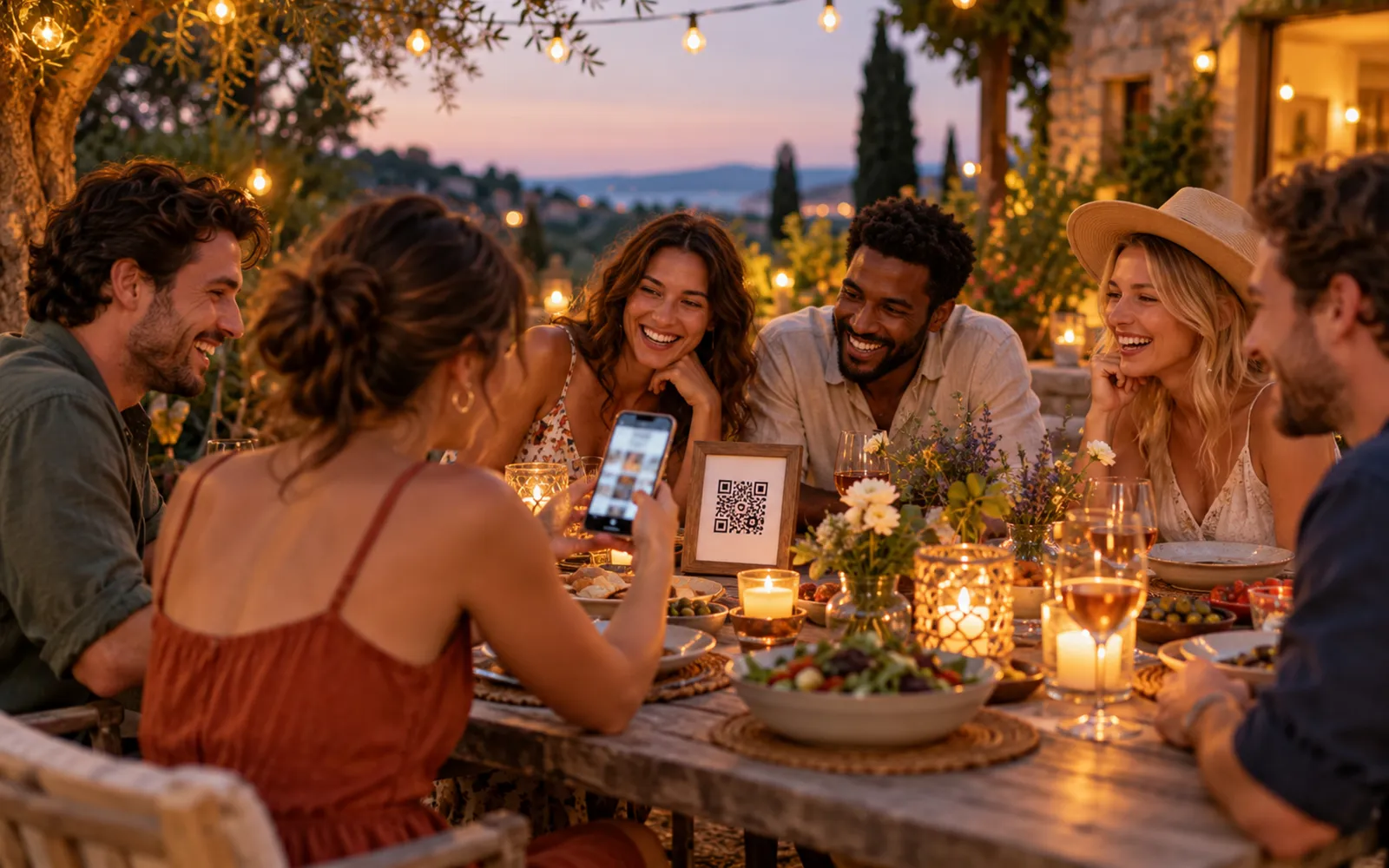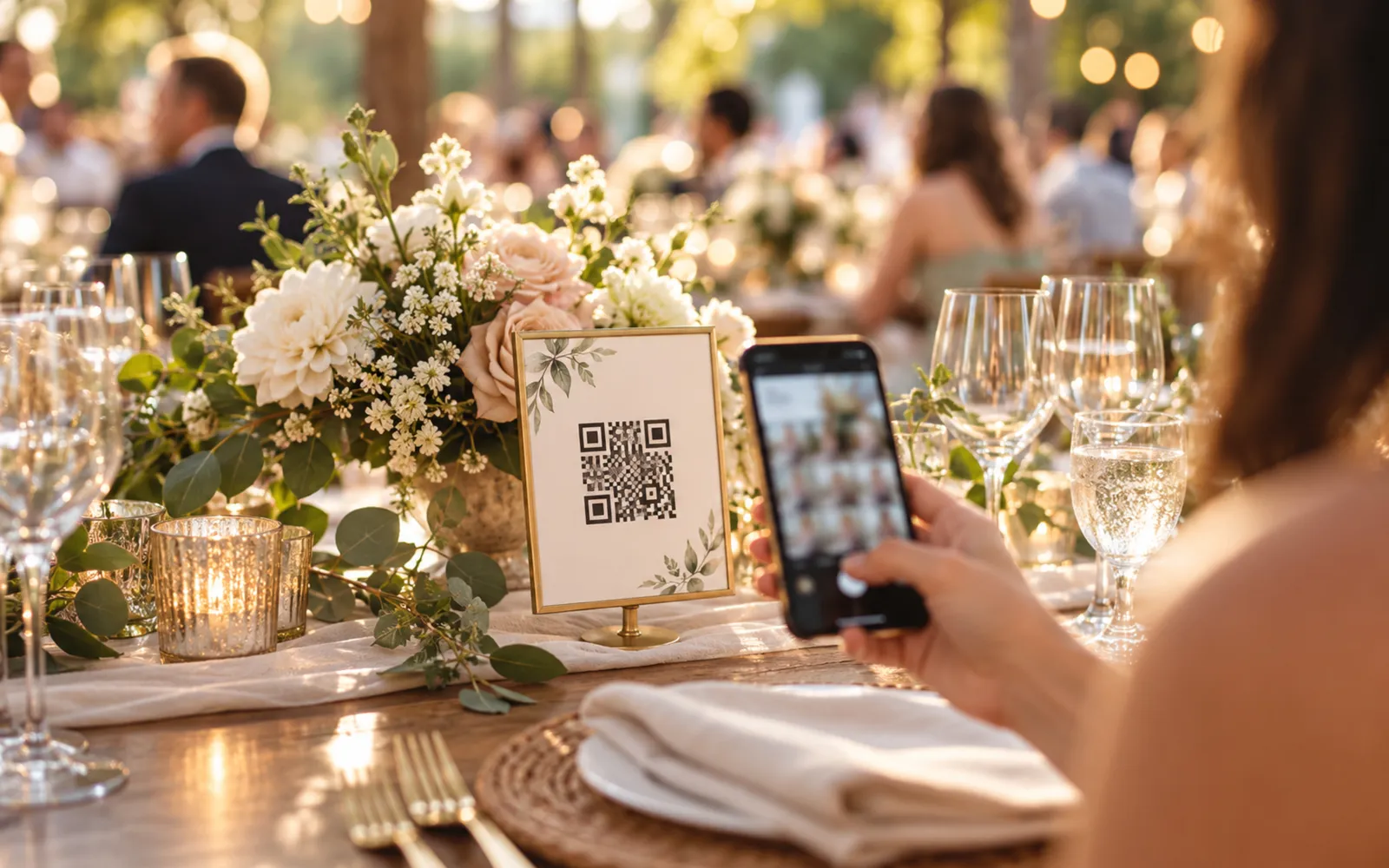
The QR code has become the universal reflex for connecting a physical surface to digital content at an event. Printing a code and displaying it is not enough. Badly sized, badly placed or badly generated, it will not be scanned. This guide covers everything you need for it to actually work on the day.
Why QR codes became standard at events
Before 2020, many organisers still hesitated: QR codes required a dedicated app, which slowed adoption. The pandemic changed everything. Restaurant menus, health protocols and digital tickets forced hundreds of millions of people to scan for the first time. As a result, iOS and Android now read QR codes directly in the native camera. No installation is needed.
In events, that mass adoption opened up concrete uses: sharing photo galleries, reaching a programme, collecting feedback, downloading documents. The QR code has become the interface between the physical world of an event and its digital content, with no friction, no third-party app and no login if you design it well.
For organisers it also brings a logistical advantage: a single print run is enough, even if the destination URL changes later. That is where dynamic QR codes come in, covered below.
Anatomy of a QR code that works
A QR code that fails to scan creates frustration. The causes are almost always the same: insufficient size, insufficient contrast, an oversized logo. Three simple rules make all the difference.
Recommended minimum size (by scan distance)
The base rule: the scan distance should be at most 10 times the width of the QR code. In other words, for a scan at 50 cm (typical when someone is holding a wedding booklet), the code needs to be at least 5 cm x 5 cm. For a banner viewed from 1.5 m, allow 15 cm x 15 cm minimum.
In practice, for common formats:
- Badge or table card: scan distance ≈ 30-50 cm → 3 to 5 cm per side minimum
- A4 or A3 poster: distance ≈ 50-80 cm → 6 to 8 cm per side
- Panel or roll-up banner: distance ≈ 1 to 2 m → 10 to 20 cm per side
- Stage backdrop or screen: distance ≈ 3 to 5 m → 30 to 50 cm per side (or a dynamic display)
If in doubt, oversize it. A QR code that is too big causes no problem; one that is too small gets ignored.
Contrast and background
The camera reader analyses contrast between dark modules and a light background. The rule is simple: white or very light background, black or very dark modules. The recommended contrast ratio is at least 4:1 (the same reference as web accessibility).
Avoid saturated coloured backgrounds, gradients and background photos. If the code has to sit inside a colourful brand identity, add a white area of about 4 modules of margin (the "quiet zone") and check the result on several phones before printing.
A black background with white modules also works, but only if the generation software explicitly supports that inversion. Some readers refuse inverted codes.
A logo in the middle: yes or no?
Technically, yes: QR codes include error correction that allows up to 30% of the surface to be obscured without losing readability. Placing a logo in the centre is therefore possible. In practice, three precautions apply:
- The logo should not exceed 15 to 20% of the code's total surface.
- It needs an opaque background (not a transparent PNG that lets the modules show through).
- Test with a budget smartphone, not just the latest iPhone.
If you do not have time to test properly, a QR code with no logo is safer.
Where to place the QR code physically
Placement drives the scan rate as much as the quality of the code itself. A perfect code in a dark corner will never be scanned.
Weddings (welcome table, booklet, stage backdrop)
For a wedding, three placements have proved themselves.
The welcome table: the first point of contact for guests. They are waiting, looking around, and it is the ideal moment to prompt a scan. A small stand or card there, with a simple instruction ("Scan to reach the photo gallery"), gets very high scan rates.
The ceremony booklet: folded into an A5 format, the QR code can accompany the invitation to share photos. The advantage is that every guest leaves with the code in their pocket. The drawback is constrained size (3 to 4 cm is enough for reading at 30 to 40 cm).
The stage backdrop or photo booth: visible in the background of every photo, the code becomes visually part of the event. Dimensions need to be generous (30 cm minimum) to be readable from 2 to 3 m. It is also an excellent organic reminder in the photos later shared on social media. To understand when a QR code usefully replaces a physical photo booth, see our comparison of wedding photo booths: QR code or classic booth.
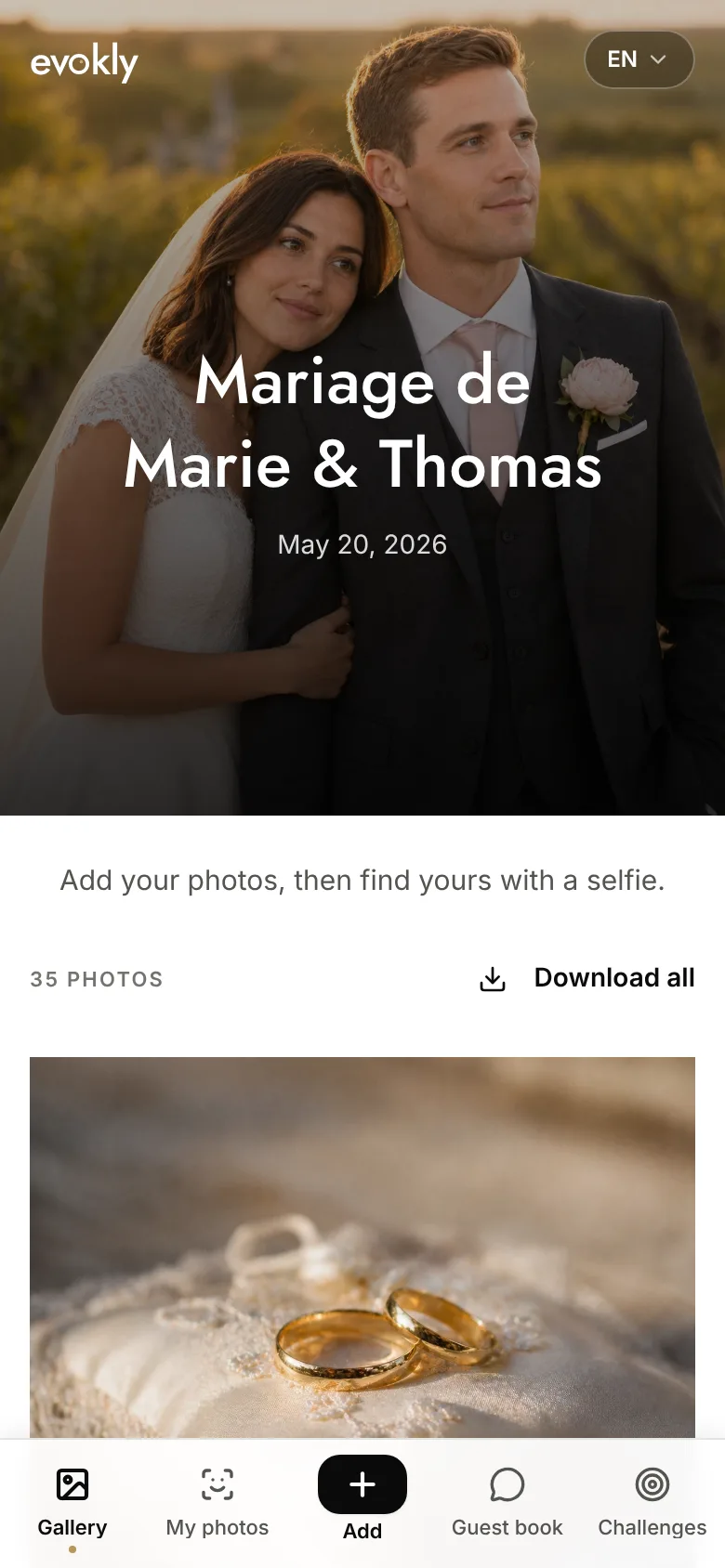
Evokly for weddings automatically generates the shared gallery and its QR code as soon as the event is created. For full usage context (when and how to replace WhatsApp and Drive with centralised sharing), see our article on sharing wedding photos without WhatsApp or Drive.
Offsites (badges, screens, banners)
In a professional context the surfaces multiply and scanning moments are shorter.
Badges: a constrained format (around 3 x 3 cm available), but worn all day. Ideal for pointing to a LinkedIn profile or a resources page. Scan distance is short (30 to 40 cm), so the size is sufficient if well dimensioned.
Presentation screens: display the QR code on a closing slide or during breaks. Allow at least 15% of the screen height so it is readable from the back rows. Do not leave it up for less than 10 seconds; attendees need time to get their phone out.
Banners and roll-ups: a permanent surface for the whole event. Place the code between 120 and 150 cm from the floor (natural hand height), and avoid the bottom of the banner, which is often blocked by the crowd.
Evokly for companies covers offsites, team building and internal events with a dedicated photo sharing space per event. For the full pattern (how to centralise offsite photos without involving IT), see our article on centralising offsite photos without involving IT.
Conferences (programme, stands)
Conferences combine several types of surface, sometimes over a long period (a full day, or several days).
The printed programme: an ideal vehicle for a code pointing to presentation materials or the edition's gallery. Put it on the first or last page, with a clear instruction. If the programme is digital, a hyperlink is more appropriate.
Exhibitor stands: each stand can have its own code, but the organiser can also offer a central code on the event map pointing to a directory. Coordinate with exhibitors to avoid visual overload.
Rooms and sessions: a QR code at the entrance to each room lets attendees find the slides or reach a Q&A space. The logistics are heavier but engagement rises significantly.
Evokly for conferences lets you centralise photos from the whole edition, across every session, in a single shareable link.
Generating a QR code: 3 methods
Not every method suits every use. The concrete differences come down to three cases.
A free generator (limitations)
Tools like QR Code Generator, QRCode Monkey or Canva create a basic QR code for free in under 2 minutes. The result is a static QR code: the URL is encoded directly into the modules. Changing the destination means reprinting.
The limits to know:
- No tracking of scan numbers.
- Often a long, direct URL, so a denser code (harder to scan at small sizes).
- No possibility of modification after printing.
For one-off use with a stable URL and few constraints, that is enough. For event-specific use, our free event QR code generator adds wedding/offsite/conference templates and a print-ready PDF with a placement guide.
A dynamic generator (editable after printing)
A dynamic QR code encodes a short intermediate URL (hosted by the provider). That short link redirects to the real destination, which you can change at any time from your dashboard, even after printing.
Concrete advantages:
- Fixing a URL mistake after printing 500 programmes.
- Scan statistics (count, date, device type, location).
- A short URL, so a less dense code, so better readability at small sizes.
Services like Bitly, QR.io or Beaconstac offer paid plans from a few euros a month. For an important event, the investment is negligible against the risk of an unusable code.
An integrated solution (Evokly generates it automatically)
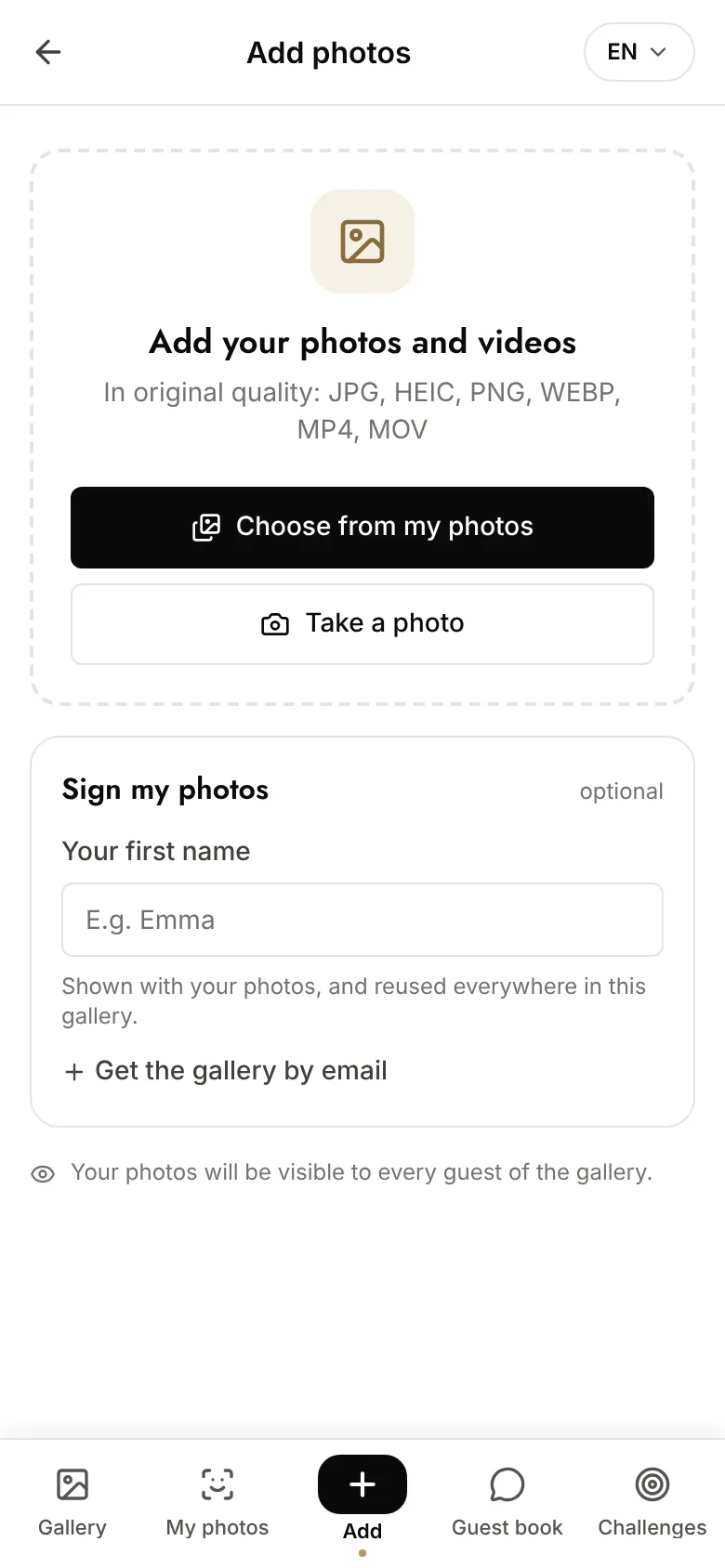
For events whose main purpose is photo sharing, a platform like Evokly generates the QR code automatically when the event is created. No separate configuration, no copy-pasting URLs: the code is ready to download and print, already pointing at the event's shared gallery.
The advantage of an integrated solution goes beyond the code itself: the gallery, facial recognition for finding your photos, download permissions and branding are all handled in the same tool. That avoids the fragile chain of "QR generator → photo host → shared link", which can break at any link.
See Pricing for the plans available by event type and size.
Common mistakes to avoid
Rasterising the QR code too early. If you export your code as a low-resolution JPEG or PNG before placing it in your print file, you will get a blurry code after printing. Always export as SVG or PNG at 300 DPI minimum. Ask the designer or printer never to recompress the file.
No visible fallback URL. A QR code with no backup URL leaves the user stuck if the scan fails (poor lighting, an older phone). Print the short URL in plain text just below the code. It also helps people who prefer to type it.
Bad lighting on the surface. A QR code printed on a glossy background or under direct light creates glare that disrupts reading. Prefer matt paper for print. For digital displays, reduce ambient brightness or increase display contrast.
Testing only with your own phone. Every device and every version of iOS/Android reads QR codes with slightly different algorithms. Test with at least three different devices, including a budget Android, before signing off for print.
Forgetting to check the destination link. The code may scan perfectly but point to a 404, an unpublished gallery or a password-protected page. Run a full journey test (scan → destination) a week before and the day before.
FAQ
What is the minimum size for a QR code?
For comfortable scanning at 30 to 50 cm (arm's length), the minimum is 3 cm x 3 cm, but 5 cm x 5 cm is safer. The general rule: the width of the code should be at least one tenth of the intended scan distance. The more data the code contains, the larger it has to be to stay readable.
Can a QR code be changed after printing?
A static QR code cannot be changed, the URL is baked into the code. A dynamic QR code uses an intermediate URL you can edit from a dashboard, which lets you change the destination without reprinting. If you have any doubt before printing, choose a dynamic generator.
Do you have to pay to generate a QR code?
No, not for basic static use. Free tools generate a working code in seconds. Paid versions add dynamic QR codes (editable), scan statistics, advanced customisation and support. For a professional event with logistical constraints, the paid version is worth it.
Why won't my QR code scan?
The most common causes are: too small for the scan distance, insufficient contrast (coloured background, grey modules), glare on a glossy surface, or print degradation (a code rasterised at low resolution). Test with another phone first. If no device scans it, check size and contrast; if some scan and others do not, the problem is usually print quality.
What is the difference between a static and a dynamic QR code?
A static QR code encodes the final URL directly: once generated and printed, it is immutable. A dynamic QR code encodes a short URL hosted by a provider, which redirects to the real destination. That destination can be changed at any time. Dynamic codes are also less dense (a short URL means fewer modules), so they are easier to scan at small sizes.
How long should photos reachable through a QR code be kept?
A question often forgotten at the design stage. It depends on the type of event and the legal basis for processing. For a wedding, the gallery can stay reachable for several years (consent and the couple's legitimate interest). For a company offsite, 1 to 3 years is consistent with an internal communications purpose. See our GDPR guide on event photo retention for concrete durations per use case and the documentation to produce.
A QR code looks simple, but its effectiveness rests on a series of concrete decisions: size matched to distance, strategic placement, generation with the right method. Designed well, it disappears into the experience: guests scan naturally, with no friction.
Start a free event and generate your photo sharing QR code in under two minutes.