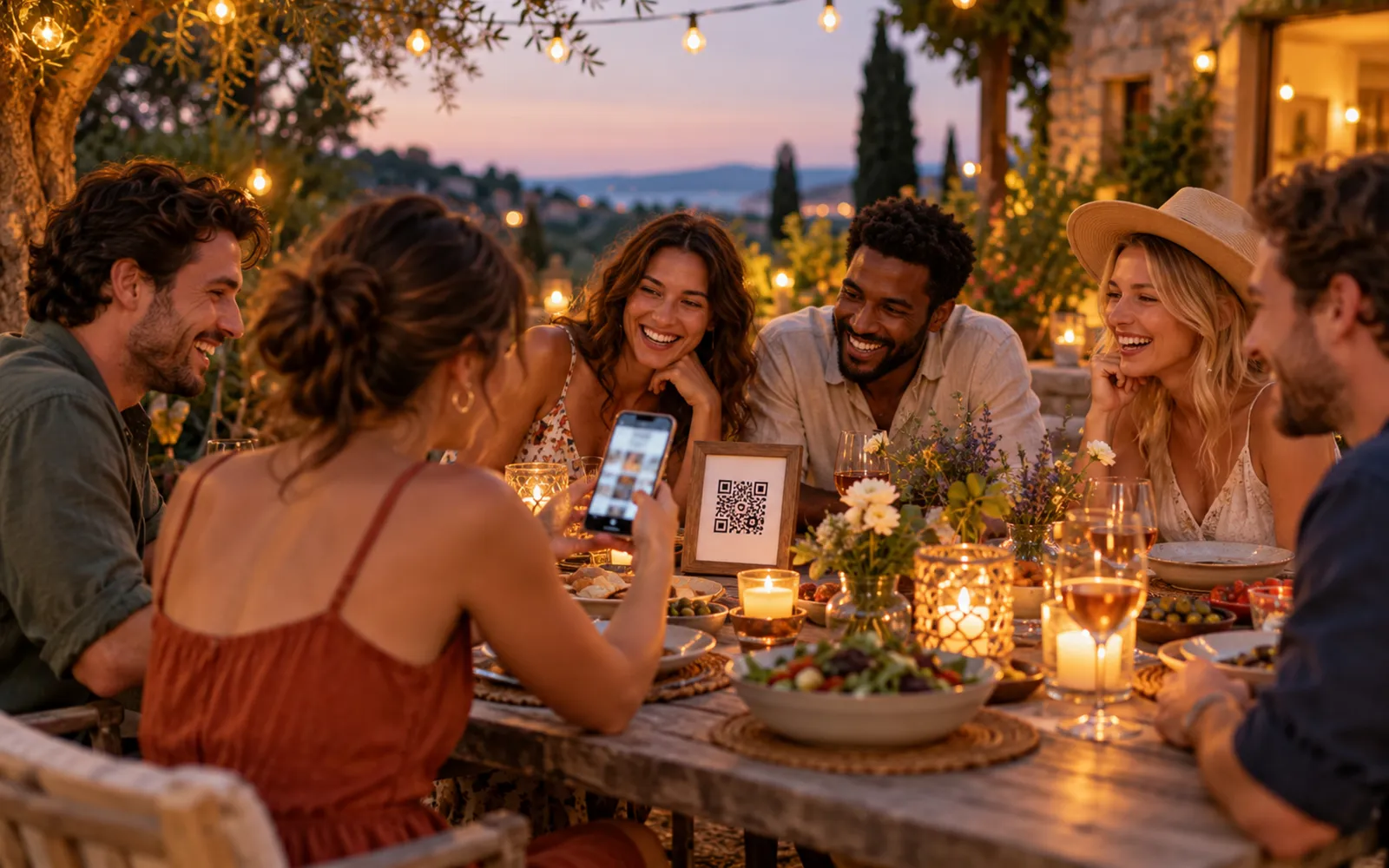
During a birthday party, every guest takes photos with their phone. After the party, those photos stay in ten different phones, and the person who organised it gets back a handful, compressed, sent over WhatsApp three days later. A QR code on the table fixes the problem at the source: guests scan, drop their photos into a shared gallery, and everything is in one place before the cake is even cut.
You need three things: an online gallery, a QR code pointing to it, and a printed sign placed where guests walk past. This guide covers each step, spells out what "free" really means depending on the tool, and lists the spots that actually get people scanning.
How it works in three steps
1. Create the shared gallery
The QR code is only a shortcut to a web address. What matters is what sits behind it: a page where guests can drop their photos and see everyone else's, without logging in.
With Evokly, you create an event, give it a name ("Julie's 40th") and a date, and the gallery exists right away. The free plan asks for no credit card and no commitment. The dedicated birthday photo sharing page shows what guests see on their side.
2. Generate the QR code
As soon as the gallery exists, its QR code is produced automatically, along with a print-ready poster in several sizes. There is nothing to encode yourself.
If you prefer a standalone QR code, or your gallery is hosted elsewhere, Evokly's event QR code generator is free, needs no sign-up, and exports to PNG, SVG and PDF. Paste your gallery address, pick your colours, download.
One thing to watch: a QR code encodes a fixed address. If you generate it before creating the gallery, with a placeholder address, you will have to reprint it. Create the gallery first, then the code.
3. Print and place it
Print the code at least 5 cm wide, on a white background, with a call to action underneath. "Scan to share your photos of tonight" is enough. Put it on the cake table and near the buffet. The placement section below explains why those two spots and not the others.
What "free" really means
Searching for a "free birthday photo QR code" mixes up two different things: the QR code itself, which is free everywhere, and the gallery behind it, which is not always. Here is what each option actually gives you.
| Option | Free | App to install | Original quality | Main limitation |
|---|---|---|---|---|
| WhatsApp group | Yes | Already installed | No, photos are compressed | Manual sorting, photos buried in the chat |
| Shared Google Photos album | Yes | Google account required | Yes | Part of the guests get stuck at sign-in |
| Shared-album apps | Often paid after a few photos | Yes | Yes | Guests don't install it |
| Evokly gallery, free plan | Yes | No | Yes | 100 photos, 10 contributors, 15 days online |
Evokly's free plan covers one event, 100 photos, 10 contributors and an online gallery for 15 days. For a birthday with friends or family, that is enough in most cases: guests drop their best photos, not the 200-shot bursts from their camera roll.
It gets tight in two situations. A big party, 40 guests or more, where the volume quickly passes 100 photos. Or wanting to keep the gallery open for months so that distant family can come back to it. In those cases, the Event plan at 69 euros, paid once, lifts the photo and contributor limits, keeps the gallery for six months and adds facial recognition so each guest can find the photos they appear in. Details are on the pricing page.
For a fuller comparison between a shared Google Photos album and a dedicated gallery, see Google Photos vs event gallery.
Where to place the QR code so it gets scanned
A perfect QR code in the wrong spot gets scanned by nobody. For a birthday, three spots work, in this order.
The cake table. It is the only place every guest walks past, at the same moment, phone already in hand to film the candles. An A5 stand next to the cake, code at eye level, gets the best scan rate of the whole evening. If you only place one code, this is the one.
The buffet or the bar. Guests come back several times and wait there for a few seconds. A second code catches those who missed the first one.
The digital invitation. Add the code, or simply the link, to the invitation message or the group chat event. Guests can then drop their photos after the party, from home, without having scanned anything on site. It is also the only channel that reaches those who arrive late.
Avoid: the code taped to the front door, which nobody looks at while arriving with their arms full, and the code on a balloon or any curved surface, which will not scan. For size, contrast and logo questions, the complete event QR code guide covers every case.
Getting guests to scan
Placing the code is not enough. Three simple moves multiply contributions.
Say it out loud at candle time. "There is a QR code next to the cake, put your photos in there and we'll all have them tonight." That is when attention peaks and phones are out.
Assign a helper for grandparents and less tech-savvy guests. One person who scans for them, or shows them once, unlocks photos that would never have been shared otherwise.
Show the gallery filling up. A phone left on the table with the gallery open, photos appearing as the evening goes on, makes people want to add theirs. It is the best argument for those still hesitating.
Kids' birthday, surprise party: what changes
At a child's birthday, the photographers are the parents, not the kids. The code goes near the parents, who often gather in one spot, and the link goes into the parents' group chat before and after the party. Most photos arrive in the evening, once the children are in bed.
For a surprise party, the code goes on the digital invitation sent to the accomplices, with one extra instruction: drop one or two old photos with the guest of honour before the big day. The gallery then opens already full of memories, and the surprised person discovers it along with the party.
For a milestone birthday (30, 40, 50) with many guests, the shared gallery does a better job than a hired photographer: guests capture the moments nobody else sees, and everything lands in the same place.
After the party: download, sort, keep
The next day, the gallery holds every guest's photos in original quality. On the Event plan, download the whole set in one go from your dashboard. On the free plan, download the photos you want one by one before the gallery expires. A reminder email warns you ahead of the deadline.
Sorting is faster than with a WhatsApp group, because the photos are already separated from the chat and grouped by event. If you moved to the Event plan, facial recognition also lets each guest find their own photos without browsing the whole gallery.
Legally, a private birthday whose photos stay within the family circle is not subject to GDPR. The regulation applies as soon as organised sharing leaves that circle, for instance a public post. If that is your case, or if you are organising the birthday for a club or a company, the guide on event photo retention periods gives concrete benchmarks.
FAQ
How do I create a QR code for birthday photos?
First create an online gallery where guests can drop their photos, then generate a QR code that points to its address. With Evokly both steps happen at once: creating the event produces the gallery and its QR code, with a print-ready poster. All that is left is to put the poster on the cake table.
Is a birthday photo QR code really free?
Yes, for a normal-sized birthday. Evokly's free plan covers one event, 100 photos, 10 contributors and an online gallery for 15 days, with no credit card. The standalone QR code generator is also free and needs no sign-up. The paid plan (69 euros, one-off payment) only makes sense for a large party with many photos, or if you want facial recognition and six months of storage.
Do guests need to install an app?
No. They scan the code with their phone camera, the gallery opens in the browser, and they add their photos in seconds. No account to create, no app to download. That is what sets it apart from shared-album apps, which lose part of the guests at the download step.
Where should the QR code go during the party?
On the cake table, at eye level, with a short call to action. It is the one spot every guest walks past with their phone already out. Add a second one near the buffet or the drinks, and put it on the digital invitation so guests can drop photos after the party too.
Do the photos keep their original quality?
Yes, in a dedicated gallery, unlike a WhatsApp group which compresses every image. Files are stored exactly as they come out of the phone, so you can print an album or enlarge a photo without pixelation.
What happens after the free plan's 15 days?
The gallery expires and the photos are deleted. Download the photos you want to keep before the deadline, one by one on the free plan; a reminder email is sent to you. If you want to keep the gallery online longer, the Event plan stores photos for six months and lifts the 100-photo limit.
In short
A birthday photo QR code is an online gallery, a code pointing to it and a stand next to the cake. Evokly's free plan covers all three for a normal-sized birthday, with no app for guests and no credit card. Create the gallery, print the poster, announce it at candle time. The rest takes care of itself.