A shared Google Photos album is the first tool anyone thinks of for gathering photos from an event: free, reliable, familiar to everyone. For a small family circle it does the job very well. For an event with dozens of guests, two structural obstacles appear: you need a Google account to add photos, and anything stored at original quality eats into the album owner's 15 GB quota.
Here is the full comparison, so you can decide with your eyes open.
What shared Google Photos does very well
Quality and reliability. Photos added at "original quality" keep their full resolution. The infrastructure is Google's: no outage on the day, automatic sync from the phone if the guest has backup switched on.
Face grouping, for the owner. Google Photos groups faces automatically, which helps the album owner sort. That feature stays personal, though: individual guests cannot use it to find their own photos inside your album.
The price. Free up to 15 GB, which covers roughly 3,000 to 4,000 smartphone photos at original quality, assuming Gmail and Drive have not already eaten the quota.
Where it breaks down at an event
The Google account required to contribute. Anyone can view a shared album through the link, but adding photos requires being signed in to a Google account. Out of 100 guests, some have an iPhone with no active Google account, some no longer remember their password, and some simply refuse to sign in on the spot. Every one of those blocks is a batch of photos you will never get back.
A quota shared with Gmail and Drive. The free 15 GB are shared across every Google service on the account. A wedding album at original quality can be 10 to 20 GB on its own: you then have to move to a Google One subscription, and it is the album owner who pays.
No event framework. No native QR code (you have to generate one from the link yourself), no landing page in your colours, no expiry date, no moderation before publication, and no simple bulk export to redistribute to guests.
GDPR for professional use. For a company event, routing employee photos through personal Google accounts raises compliance questions: no event-specific DPA, and data processed outside the framework the employer defined. Our guide on how long to keep event photos covers the obligations.
What a dedicated event gallery adds
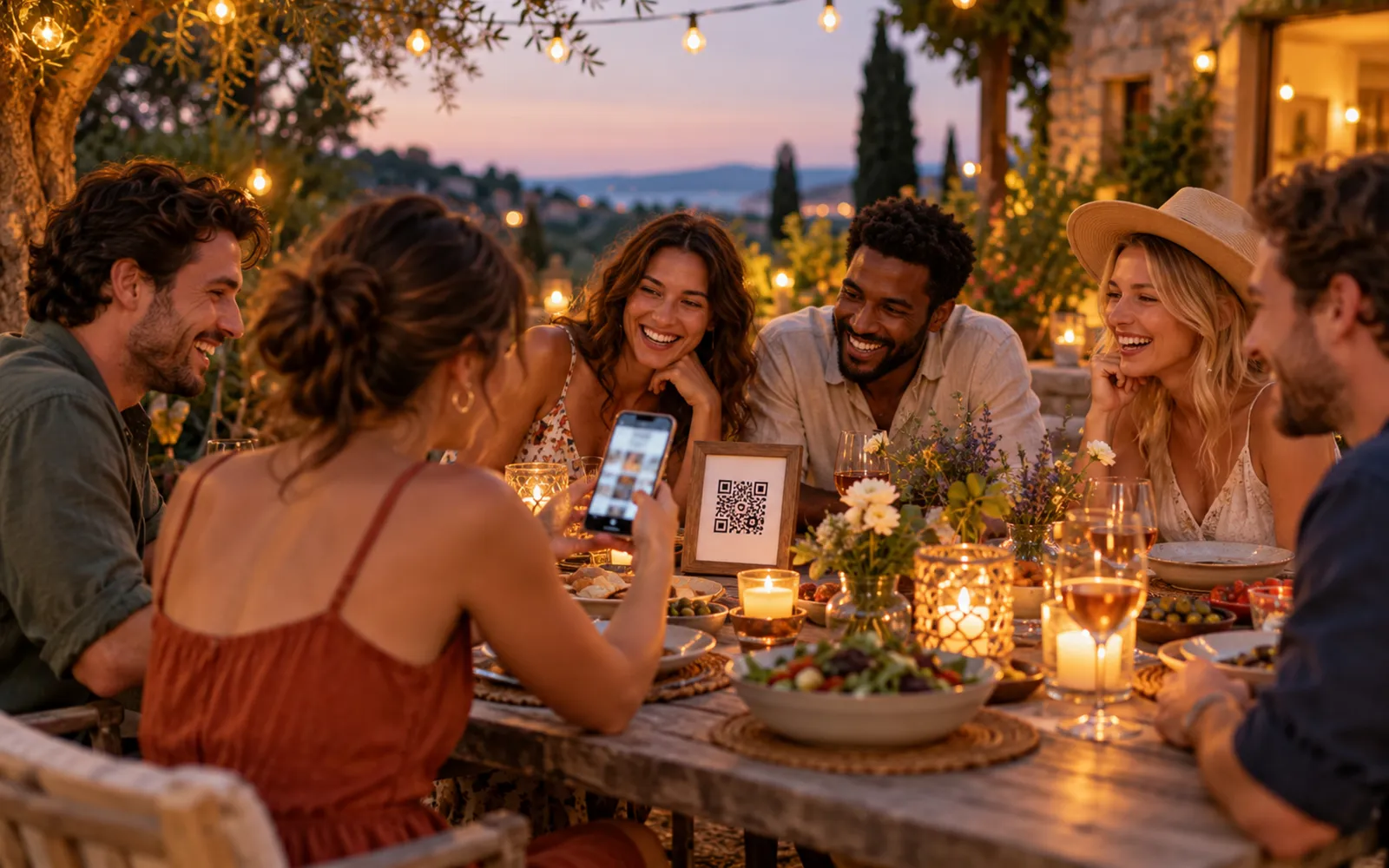
A dedicated gallery like Evokly is built for exactly this case: a QR code generated automatically, a web gallery reachable with no account and no installation, photos at original quality, and a retention period defined in advance (with automatic deletion, which is a compliance argument rather than a constraint).
The most visible difference for guests is facial recognition: each guest takes a selfie (with explicit consent) and gets only the photos they appear in, instead of scrolling the entire gallery. For the organiser, it means automatic sorting, an AI best-of and bulk HD download.
Comparison table
| Criterion | Shared Google Photos | Event gallery (Evokly) |
|---|---|---|
| Guests adding photos | Google account required | No account, scan the QR code |
| Quality preserved | Original (uses the quota) | Original |
| Storage limit | 15 GB shared with Gmail/Drive/Photos | By plan (unlimited from Event) |
| QR code | Generate it yourself | Generated automatically |
| Guest finding their own photos | No (face grouping is owner-only) | Facial recognition from a selfie |
| Customisation | None | Event page, branding (Pro plans) |
| Retention | Unlimited (yours to manage) | Defined and automatic |
| Professional GDPR | Personal accounts, no DPA | EU data, DPA available |
| Price | Free then Google One | Free up to 100 photos, Event €69 |
Our recommendation
Stay on Google Photos for a family event of under 30 people where everyone has an active Google account: a close birthday, a weekend with friends, a family gathering. It is free and it is enough.
Move to a dedicated gallery as soon as the group passes 50 guests, the profiles are varied, or the event carries a reputational stake (wedding, offsite, conference). The cost of an event plan is measured against what it returns: more photos collected, no chasing, and guests who leave with their memories without any effort.
To set up the QR code on the day, follow the complete event QR code guide. You can also generate a free QR code to try the principle out.