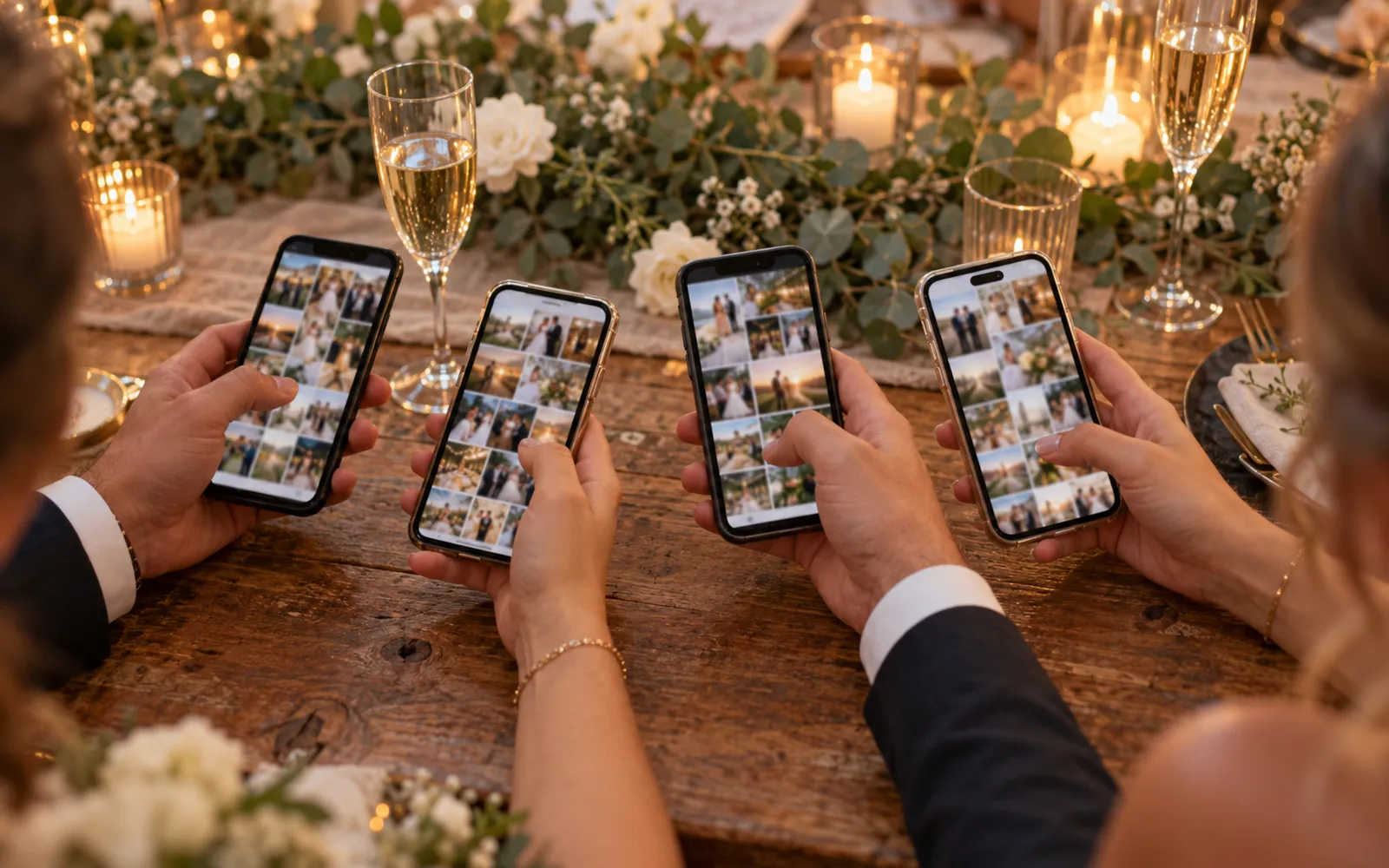
Two families of tools dominate the market for collecting the photos your guests take on the day: mobile apps you install (Wedbox, WedShoots) and web galleries reachable by QR code with no installation. The choice comes down mainly to one criterion: how many of your guests actually take part. An app installed by 30% of guests collects fewer photos than a web gallery used by 80% of them, however good the tool is.
Here is what each approach does well, what it does less well, and how to choose for your wedding.
Wedbox: the long-standing app
Wedbox has been around since 2016 and remains one of the most downloaded wedding photo apps. The couple creates an album, guests install the app (iOS or Android), join the album with a code or QR code, and their photos appear in a shared feed.
What Wedbox does well: the live slideshow during the evening, reactions and comments on photos, and availability in 18 languages, which helps at international weddings.
The limits: every guest has to download an app, create a profile and join the album. That friction is paid for in participation, especially among older guests and those whose phone is short on storage. The other thing to check is export quality: depending on your plan, the photos you get back are not always at original resolution.
WedShoots: the free option
WedShoots is a photo sharing app attached to a major wedding portal. It is free, which often makes it the first reflex for couples already organising their wedding through the platform.
What WedShoots does well: it is free, it integrates with the portal's ecosystem, and the collaborative album is simple to create.
The limits: the same installation friction as Wedbox, plus a free model that implies more basic retrieval features. No facial recognition, no automatic sorting, and bulk downloading photos at full resolution takes some fiddling.
The QR code web gallery: zero installation
The third approach removes the installation step entirely. The event gallery is a website: the guest scans the QR code on the table with their phone camera, the gallery opens in the browser, and they add their photos in seconds. No app, no account, no password.
That is the principle behind Evokly for weddings: a shared gallery at original quality, a QR code you can print on invitations or menus, and facial recognition that lets each guest find the photos they appear in by taking a selfie (with their explicit consent, in line with GDPR). The organiser then gets the whole gallery in HD, with an AI-sorted best-of.
What the web gallery does well: participation. What you ask of a guest is the same gesture as scanning a restaurant menu, a reflex everyone acquired from 2020 onwards. Seventy-year-old guests take part as much as twenty-five-year-olds.
The limits: you have to plan where the QR code is displayed on the day (tables, photo booth, screen), and the best features (unlimited photos, facial recognition) sit on the paid plans. The event QR code guide covers optimal placement.
Comparison table
| Criterion | Wedbox | WedShoots | Web gallery (Evokly) |
|---|---|---|---|
| Installation required | Yes (iOS/Android app) | Yes (iOS/Android app) | No (browser) |
| Guest account | Profile in the app | Profile in the app | None |
| Access | QR code or album code | Album code | QR code or link |
| Live slideshow | Yes | No | Best-of and video reel |
| Finding your own photos | Manual scrolling | Manual scrolling | Facial recognition |
| Retrieval quality | Depends on plan | Basic | Original HD |
| Price | Freemium, paid options | Free | Free up to 100 photos, Event €69 |
| Data hosting | Varies | Varies | European Union |
How to choose
Pick an app (Wedbox, WedShoots) if your wedding is small (under 50 guests), your circle is comfortable with apps, and you can ask people to install it in advance on the invitation. Wedbox's live slideshow is a genuine plus for the evening if that matters to you. Older wedding guides still recommend The Guest, but The Knot stopped taking new events on it on 12 October 2022: our The Guest app alternative covers what replaces it.
Pick a QR code web gallery if your wedding goes past 80 guests, generations are mixed, or you want to maximise the number of photos collected without chasing anyone. It is also the simpler option if you want every guest to leave with their own photos: facial recognition saves each of them from scrolling through 800 shots.
In both cases the decisive factor is the announcement: a word from the DJ or the couple at the start of the evening, and a QR code (or album code) visible on every table. The best tool in the world collects nothing if guests do not know it exists.
For more on alternatives to WhatsApp and Google Drive, read our guide on sharing wedding photos without WhatsApp. And to compare dedicated gallery pricing, Evokly's plans are detailed here.