Free for your bar or bat mitzvah
The whole Bar or Bat Mitzvah, in one gallery
A ceremony in the morning, a meal at midday and a party that runs late: three very different sets of photos, taken by guests of every age. A single gallery holds all three, and each guest adds theirs in seconds.

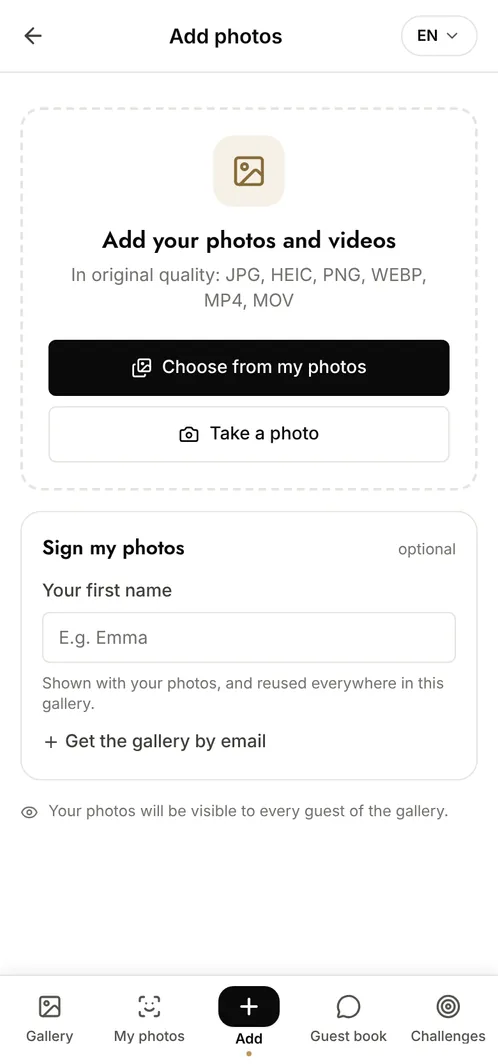
How do you collect all the photos from a Bar or Bat Mitzvah?
Set up one shared gallery for the whole day and display its QR code on the tables and near the dance floor. Guests scan it with their phone camera, upload what they shot at the synagogue, at the meal and during the party, and browse the rest immediately. No app and no account are needed, which is what makes it work across a guest list that runs from young cousins to grandparents, and photos stay at full resolution for printing.
The moments that make the album
The reading at the synagogue
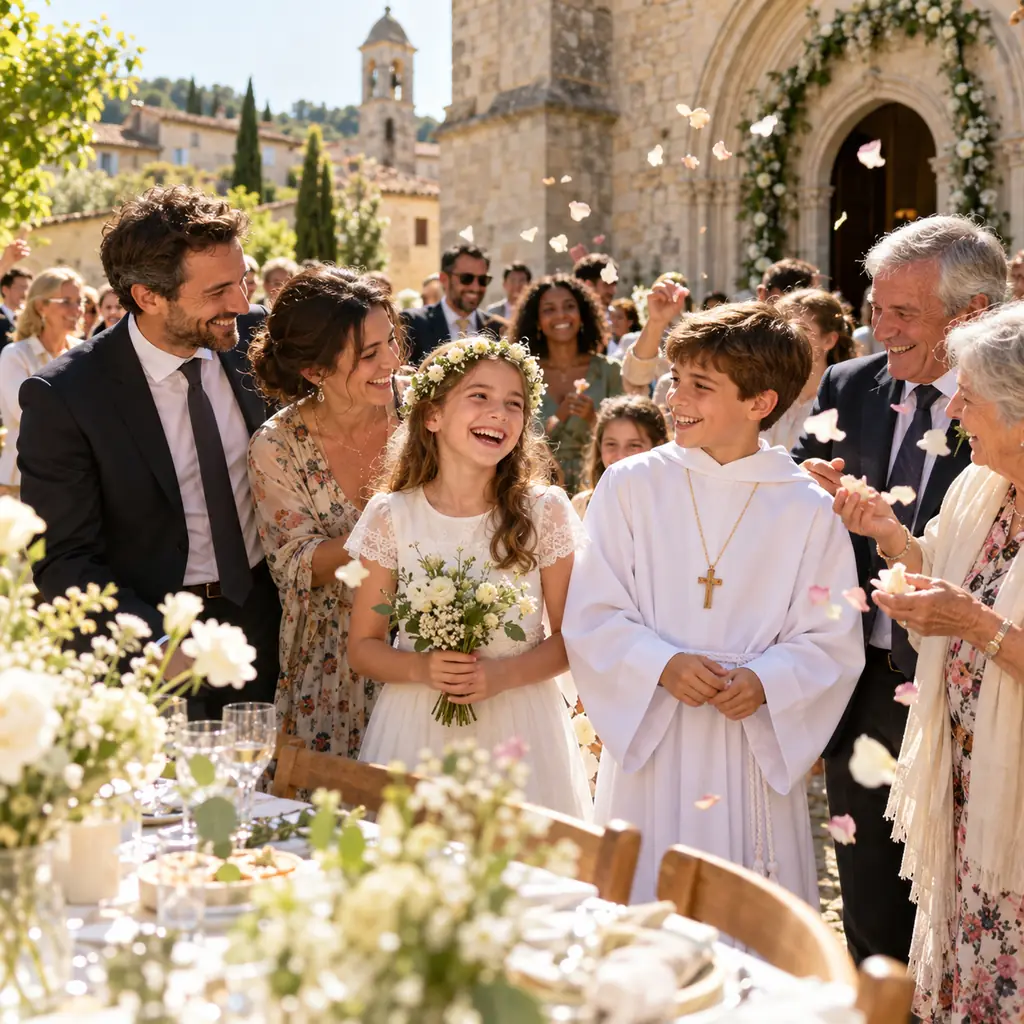
The reading, the family gathered, the emotion on the parents' faces: the moments guests capture from angles no single photographer can cover.
The family and friends portraits
The posed group shots, and the ones taken thirty seconds later when everyone relaxes. The second batch is usually the keeper.
The party
The dance floor, the hora, the friends' table at midnight: the part of the evening that lives almost entirely on guests' phones.
Photo challenge ideas
A photo with the guest of honour
Every table takes its own, and the album ends up covering the entire room.
The best dance floor shot
Guests compete for the most alive photo of the night and the family picks the winner.
Every branch of the family
From the youngest cousins to the grandparents, so no part of the family is missing.
Which plan for your bar or bat mitzvah?
A Bar or Bat Mitzvah usually fills a gallery quickly: with a hundred guests and a party, the free plan's 100 photos are gone within the hour. The Event plan at €69 (one-off payment) gives unlimited photos and contributors, facial recognition so each guest finds their own shots with a selfie, and 6 months of retention.
Free
€0
- 100 photos, 10 contributors
- Gallery online for 15 days
- For a big crowd
Event
€69one-off
- Unlimited photos and contributors
- Selfie search
- Challenges and guestbook
- Gallery online for 6 months
Frequently asked questions
Can guests upload during the party itself?
Yes, and that is when most photos arrive. Uploads happen from the browser over mobile data or the venue Wi-Fi, and the gallery updates live so guests can see what the others have just added.
Can the ceremony and the party be kept apart?
Yes. Create categories when you set up the event and guests choose one as they upload. Anyone browsing can then filter, which matters when the two halves of the day have very different audiences.
How does each guest find the photos they appear in?
With facial recognition, available from the Event plan: the guest takes a selfie, gives explicit consent, and gets every photo they appear in. The selfie and its fingerprint are encrypted and deletable on request.
Are the photos visible to anyone outside the event?
No. Only people with the QR code or the private link can open the gallery. Nothing is public or indexed, and you can moderate uploads before they appear.
Also worth reading


Guides:Photo booth: QR code or classic booth?QR codes for events: the complete guideCreate a shared photo gallery for your event
All event types