Free for your charity gala
Your gala, documented by everyone in the room
A gala is covered by one photographer and two hundred phones. The photographer delivers in three weeks; the phones deliver nothing at all. A shared gallery captures the second stream while the evening is still running.

How do you collect photos from a charity gala?
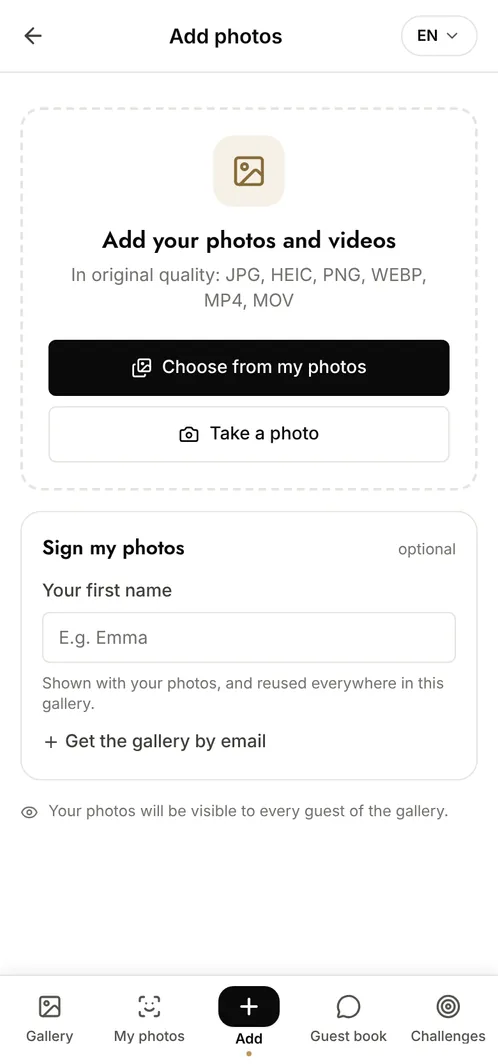
Put a QR code on the tables and on the programme so guests can scan it with their phone camera and add photos through the evening. There is no app to install and no account to create, which is what makes participation realistic with a formal audience. The association gets a full-quality set the same night, usable for its report, its partners and its communications, alongside the official photographer's later delivery.
The moments that make the album
The reception
Arrivals, partners meeting, the room before it fills: the images sponsors want and rarely get.
The speeches and the auction
The moments the photographer covers from one angle and the room covers from twenty.
The tables and the evening
The conversations, the guests together, the atmosphere that proves the evening worked.
Photo challenge ideas
The table photo
Each table sends one photo of everyone seated, which also documents who attended.
A photo with a partner
Guests photograph themselves with the partners present, which gives sponsors reusable material.
The best moment of the evening
Everyone submits their single best shot and the association picks the one for the report.
Which plan for your charity gala?
A gala with a couple of hundred guests goes far beyond the free plan. Event Pro at €199 (one-off payment) is usually the right fit: unlimited photos and contributors, facial recognition, and full white-label so the gallery carries the association's identity rather than Evokly's, which matters when partners are in the room.
Free
€0
- 100 photos, 10 contributors
- Gallery online for 15 days
- For a big crowd
Event
€69one-off
- Unlimited photos and contributors
- Selfie search
- Challenges and guestbook
- Gallery online for 6 months
Frequently asked questions
Can the gallery carry our association's branding?
Yes, from Event Pro onwards: logo, colours, custom watermark and branded emails. Guests and partners see the association, not Evokly.
Can we use the photos in our annual report?
Yes, subject to the usual permissions from the people photographed. Files download at original resolution, so they are usable in print as well as online.
How do guests find the photos they appear in?
With facial recognition, available from the Event plan: a guest takes a selfie, gives explicit consent, and gets every photo they appear in. The data is encrypted and deletable on request.
Can we review photos before they go live?
Yes. Moderation holds every upload until an organiser approves it, which is usually the right setting for an evening with partners and press present.
Also worth reading



Guides:The 4 secrets of an event that really landsWeTransfer, Drive or a dedicated gallery: comparedImage rights and event photos
All event types