Free for your trip with friends
Every photo from the trip, in one gallery
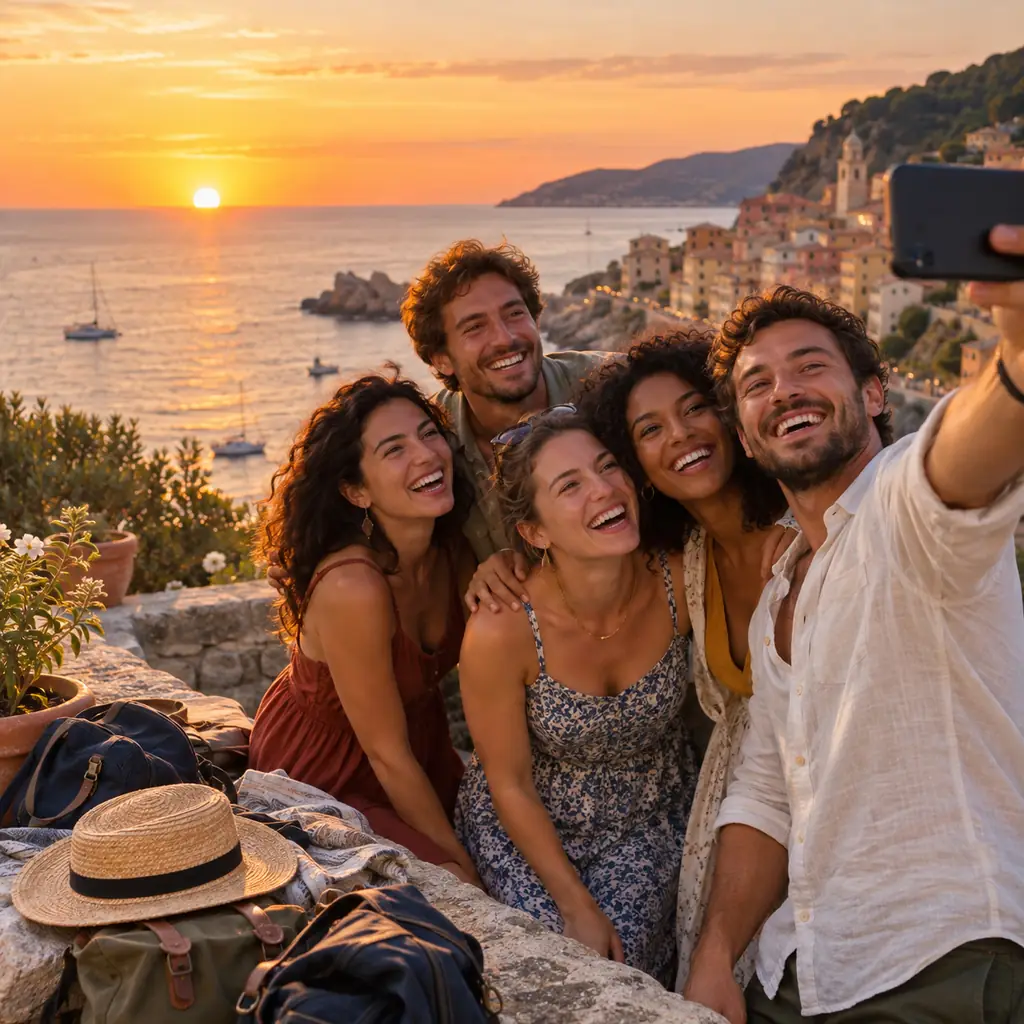
On a trip with friends everyone shoots constantly and nobody shares afterwards. The group chat compresses what little gets posted, and six months later the photos are scattered across ten phones and lost.
How do you share photos from a trip with friends?
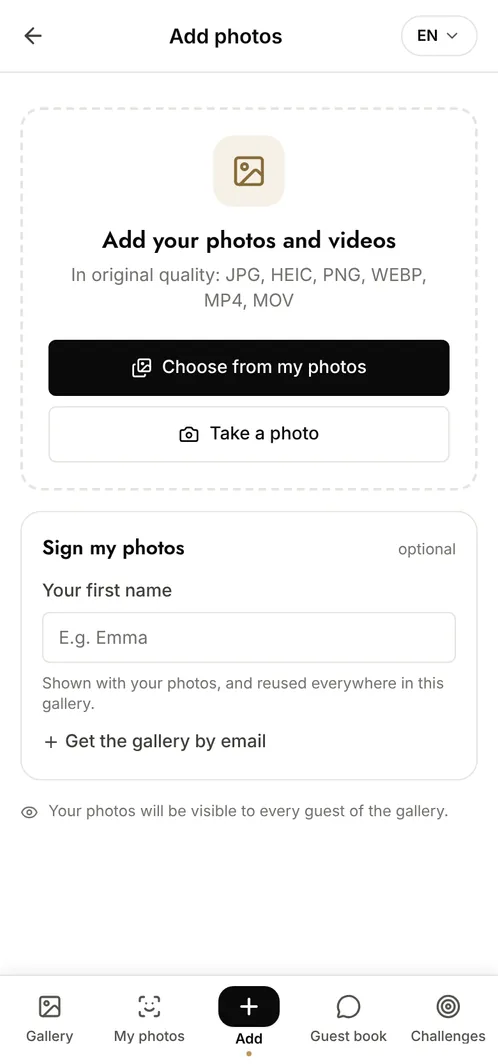
Create a shared gallery before you leave and send the link to the group. Everyone adds their photos as the trip goes, sees what the others posted and downloads whatever they want at the end. Unlike a group chat, nothing is compressed and nothing scrolls out of reach, and unlike a shared cloud folder, nobody has to install an app or sign in to an account they do not have.
The moments that make the album
The journey out
The airport, the road, the first stop: photos everyone takes and nobody ever gets round to sending.
The place itself
Ten people photographing the same view from different spots, at different hours, which is what makes the album worth keeping.
The evenings
The meals, the games, the late conversations. The part of the trip with the best photos and the worst distribution.
Photo challenge ideas
The photo of the day
One shot per person per day, so the trip has a timeline rather than a pile.
The same view, ten versions
Everyone photographs the same spot and the group compares the results.
The worst photo of the trip
A category the group chat never keeps, and the one everyone actually rewatches.
Which plan for your trip with friends?
A week away with a group of ten blows past the free plan's 100 photos on the first day. The Event plan at €69 (one-off payment, barely anything each once split) gives unlimited photos and contributors and keeps the gallery for 6 months, which is long enough for everyone to download at their own pace.
Free
€0
- 100 photos, 10 contributors
- Gallery online for 15 days
- For a big crowd
Event
€69one-off
- Unlimited photos and contributors
- Selfie search
- Challenges and guestbook
- Gallery online for 6 months
Frequently asked questions
Does it work abroad without Wi-Fi?
Uploads need a connection, but they queue: photos added offline upload automatically as soon as the phone reconnects, so nothing is lost while you are out of range.
Are the photos compressed like in a group chat?
No. Files are kept at the resolution they were uploaded at, which is the main difference from a messaging app and the reason the photos are still usable later.
Can everyone download the whole trip?
Yes. Anyone with access can download the full gallery as a single archive, at original quality, rather than saving photos one at a time.
Can we add videos?
Yes. Videos upload like photos, sit in the same gallery and keep their original quality instead of being re-encoded.
Also worth reading



Guides:Shared Google Photos vs a dedicated event galleryHow long should you keep event photos under GDPR?Create a shared photo gallery for your event
All event types